icon sizes
icon sizes
There is no single correct icon size. Choose the destination first: an interface glyph, a store listing, a search favicon, and a Windows ICO each answer a different sizing question. Use the image tool here to make a square PNG preview, then open the converter if you need a multi-size ICO.
Resize an image to an icon size
Choose an image to preview a square, contain-fit PNG.
Download PNGThe image stays in this browser. This resizes a PNG preview; it does not create an ICO file.
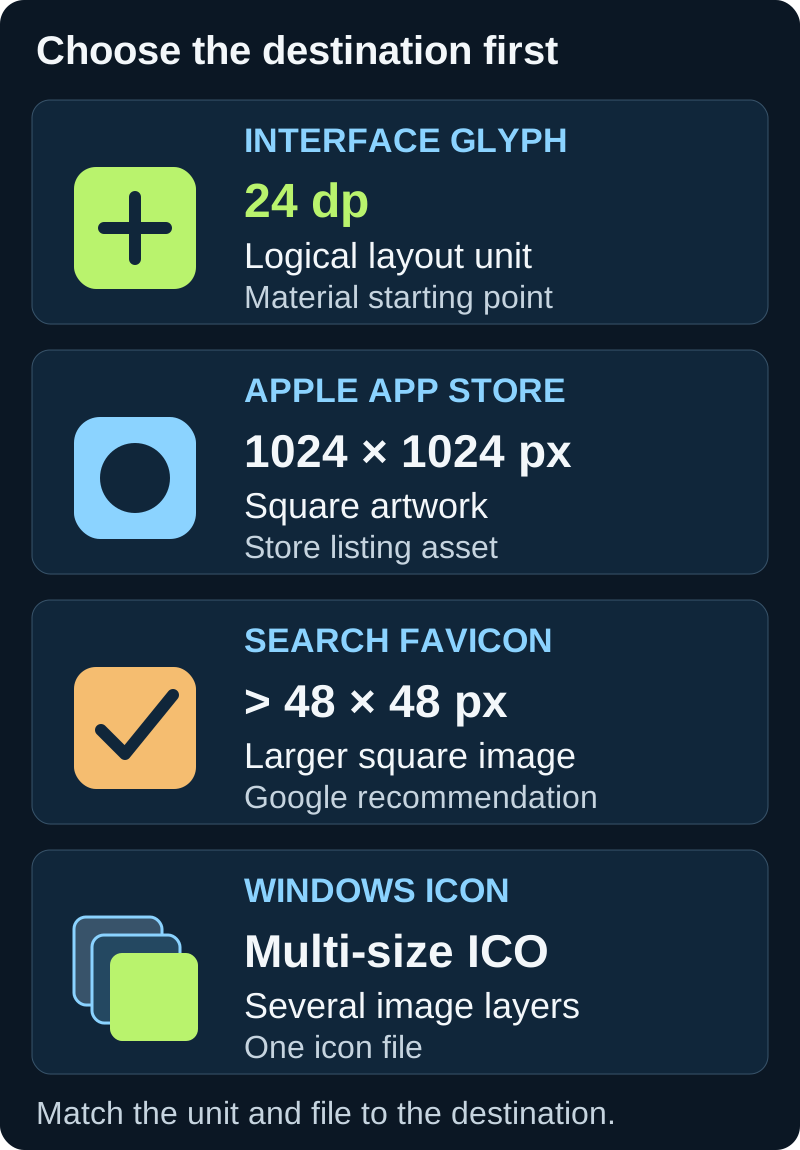
For a standard Material interface glyph, start at 24 dp; Material also documents 20, 40, and 48 dp sizes. For Apple app-store artwork, use a 1024 × 1024 px square. Google Search recommends a square favicon larger than 48 × 48 px. A Windows application icon is a multi-size ICO problem, not one PNG dimension. Match the asset to the surface before exporting.
Why icon sizes do not share one answer
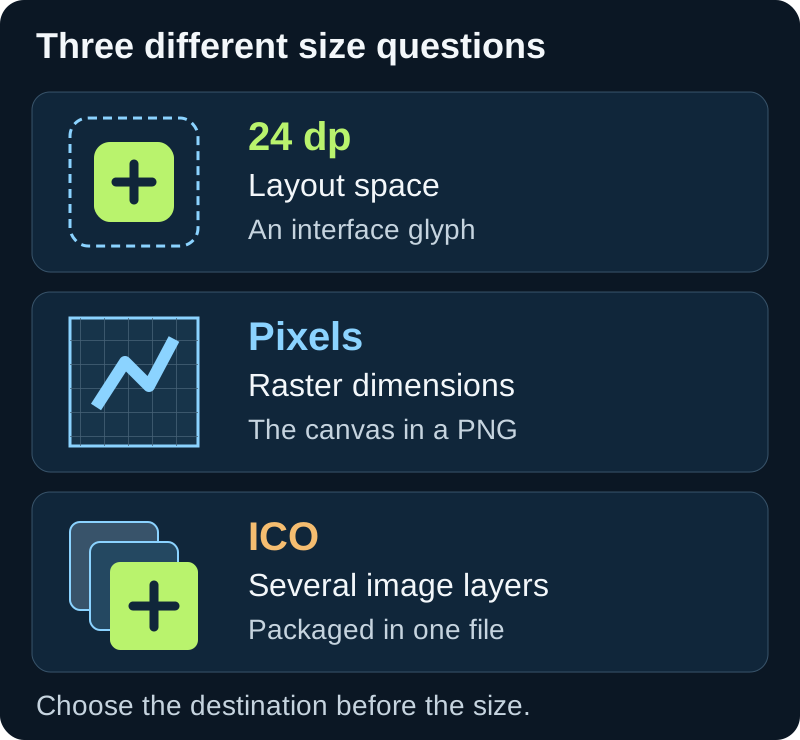
A size label can refer to the drawing grid, the screen space occupied by an interface symbol, or the pixel dimensions of a file. Those values are not interchangeable. A 24 dp interface icon is not the same deliverable as a 24-pixel PNG, and neither is an app-store image.
The useful decision is not “which size is standard?” but “what will read this file, and what does it expect?” Choose the surface first; then choose the unit and file container.
Match the file to where it will appear
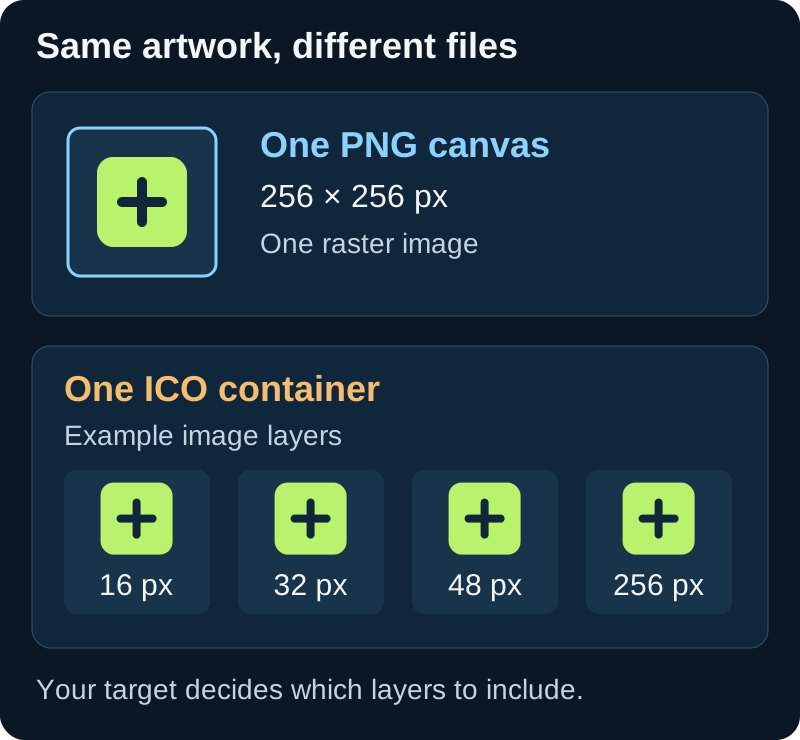
Use this routing table before resizing. A pixel value describes an exported raster file; dp describes a density-independent Android or Material layout unit. A Windows ICO can hold several raster layers in one file.
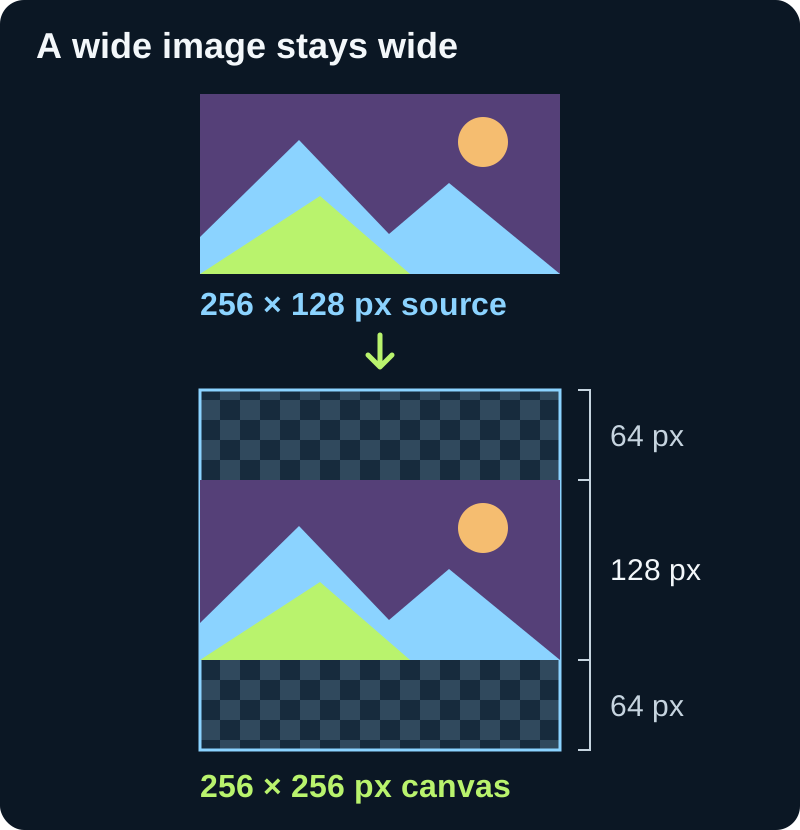
The picker above applies one concrete rule that the size tables do not show: it fits a non-square source inside the selected square canvas, preserves the aspect ratio, and leaves transparent padding. It does not crop the edges or invent missing detail. This lets you see the actual exported canvas before downloading.
When a larger export helps—and when it does not
Starting from a larger source can preserve more detail when making a smaller raster copy. Enlarging a small raster does not restore detail that is absent from the source. For scalable interface art, keep the vector master and export the raster dimensions required by the destination.
For a reproducible preview, compare the selected square with the checkerboard: a 2:1 source fitted to a square leaves half the canvas height transparent, split evenly above and below. The output dimension is the selected canvas size, while the drawn artwork occupies half that height. A size picker cannot tell whether the artwork remains recognizable, so inspect the tiny preview too.
A quick export check
Confirm the destination, unit, shape, and container before you save: interface layout uses logical units; app stores request their own listing artwork; browser and search favicons have separate constraints; Windows may request one of several ICO frames.
For Windows, use the converter to package the intended sizes into an ICO, then inspect the saved file. A square PNG download from the picker above is only a resized PNG; it is not a Windows icon file. Keep the resize and container-conversion steps separate: the picker changes raster dimensions, while the converter writes ICO frames.
| Destination | What the size means | Starting point | What to export |
|---|---|---|---|
| Material interface glyph | Logical layout unit (dp) | 24 dp; also 20, 40, or 48 dp where the layout calls for them | Vector artwork or raster assets at the platform scale |
| Apple app-store artwork | Raster canvas in pixels | 1024 × 1024 px square | A square app icon asset |
| Google Search favicon | Square image file in pixels | Larger than 48 × 48 px is recommended | A stable favicon URL in a supported image format |
| Windows application icon | Several raster frames in one icon container | 16, 24, 32, 48, and 256 px cover common Windows requests | A multi-size .ico file |
| Android app-store listing | Raster canvas in pixels | 512 × 512 px | The Google Play listing icon; launcher assets are a separate job |
Do not confuse a grid with a rendered size
An SVG viewBox is its internal coordinate system. CSS or the destination platform determines how large it appears. Keep the vector source when it is available; create pixel-sized copies only for surfaces that require raster files.
For a Windows ICO, keep the layers together
Windows can choose an image layer that fits the display request. Exporting only a 256-pixel PNG does not give the shell a hand-authored small frame. Make the ICO from a good source image, include the needed sizes, and inspect the resulting layers before using it.
Choose a size without guessing
- 01Name the destination
Decide whether the image is a UI glyph, store listing, favicon, launcher asset, or Windows application icon. Do not select dimensions until you know which surface will consume it.
- 02Keep the units straight
Use dp for Material layout values and pixels for raster file dimensions. A dp value is not a promise that every screen will use the same number of device pixels.
- 03Preview the real artwork small
Choose a local image above and download a square PNG preview at a selected pixel size. Check whether thin details survive. Use the PNG-to-ICO converter when the destination requires a layered Windows icon.
FAQ
Icon sizes questions
What is the standard size for an icon?
There is no one standard for every destination. Material interface icons use 24 dp as the standard size, while app-store images, favicons, and Windows ICO files follow different requirements.
Is 24 dp the same as 24 px?
No. dp is a density-independent layout unit. The number of physical pixels used to render it can vary with screen density.
What size should a favicon be for Google Search?
Google requires a square favicon at least 8 by 8 pixels and recommends one larger than 48 by 48 pixels. A favicon must also be crawlable and its URL should remain stable.
Can I use one PNG as every icon?
One source image can be resized for more than one destination, but the files and containers are not always interchangeable. A Windows ICO may need several frames, and small symbols may need simpler artwork to remain clear.