app icon size
app icon size
There is no single app icon size that fixes every screen. Preview a square image above, then name the receiver: an App Store asset catalog, a Google Play listing, an Android launcher, or the grid on the phone. Each one reads a different asset or setting.
Resize an image to an icon size
Choose an image to preview a square, contain-fit PNG.
Download PNGThe image stays in this browser. This resizes a PNG preview; it does not create an ICO file.
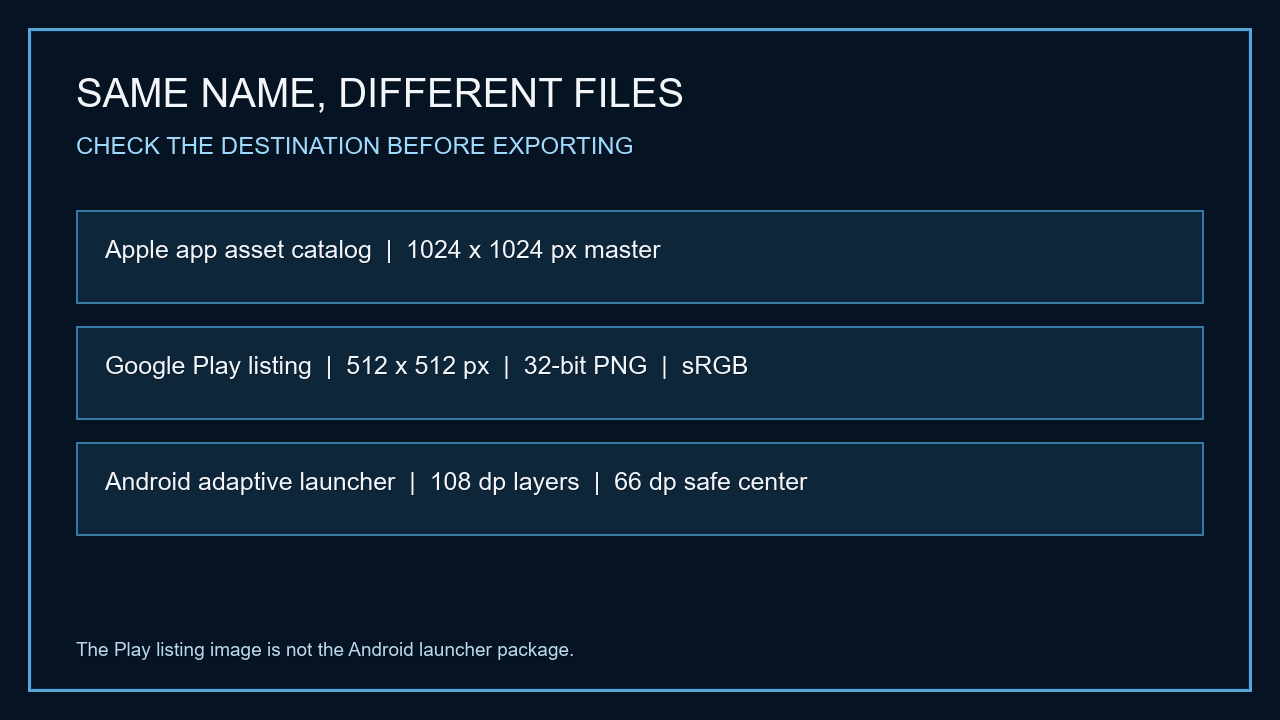
For Apple app assets, start with a 1024 × 1024 px square master in an asset catalog that supports generating the target variations. Google Play listing artwork is a separate 512 × 512 px, 32-bit PNG in sRGB, with a 1024 KB maximum; it is not the Android launcher icon. Adaptive launcher artwork uses foreground and background layers measured in dp, with a 66 dp central safe area inside each 108 dp layer. If the icon only looks small on the home screen, check the launcher grid and device settings before exporting a larger file.
Name the receiver before changing pixels
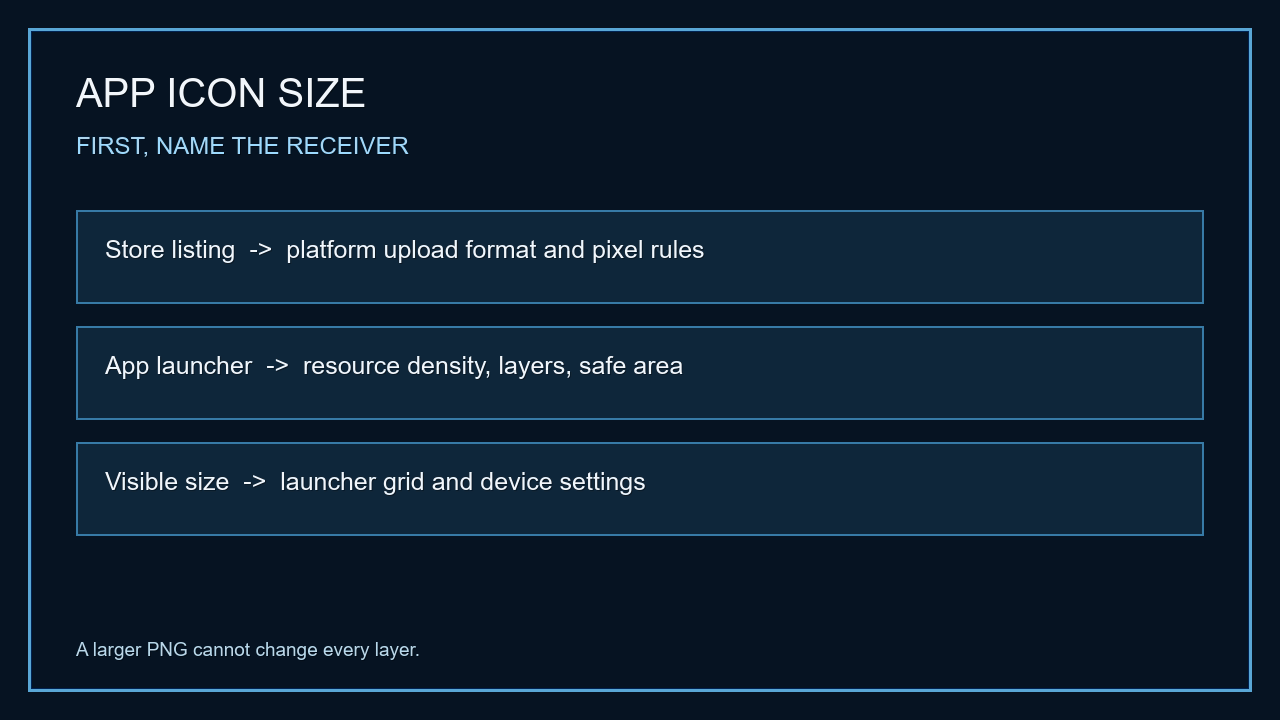
The phrase app icon size can point to a store upload, a packaged launcher resource, or the size a launcher draws on screen. Those are different layers. A larger square PNG only changes the artwork file; it does not turn a store listing image into an Android launcher package or enlarge an icon cell on a phone.
Start with the visible symptom. A store rejects an upload? Check that store's asset rules. A launcher crops the mark? Check its adaptive layers and safe area. An installed app looks small beside its neighbors? Check the launcher grid or device display controls. This route avoids resizing the wrong file.
The store listing is a separate image
For an Apple app icon, use a square 1024 × 1024 px source in an Xcode asset catalog and check which targets the project supports. Single Size asset catalogs can generate variations for supported targets; this does not mean every Apple platform and project configuration uses one identical deliverable.
Google Play listing art has its own upload specification: a 512 × 512 px square, 32-bit PNG, sRGB, with a 1024 KB file-size maximum. Google Play applies its listing presentation treatment. The listing icon is not the icon resource packaged into an Android app.
Launcher artwork uses layers, not just a bigger PNG
Android adaptive icons separate foreground artwork from a background layer. Each layer uses a 108 × 108 dp canvas, while the central 66 × 66 dp area is the protected region for the foreground mark. The launcher can apply its own mask, so artwork pushed to the edge may be clipped on a device even when the source file is square.
Check the resource density and adaptive-icon configuration that the app actually packages. If one device crops the artwork and another does not, compare the launcher mask and the foreground safe area before changing the store listing image.
When an icon looks small on the phone
A launcher grid changes how much screen space is assigned to each icon. On devices that expose home-screen layout controls, changing the grid or icon-size setting can change the displayed size without changing the app's store art. The names and choices vary by launcher and device version.
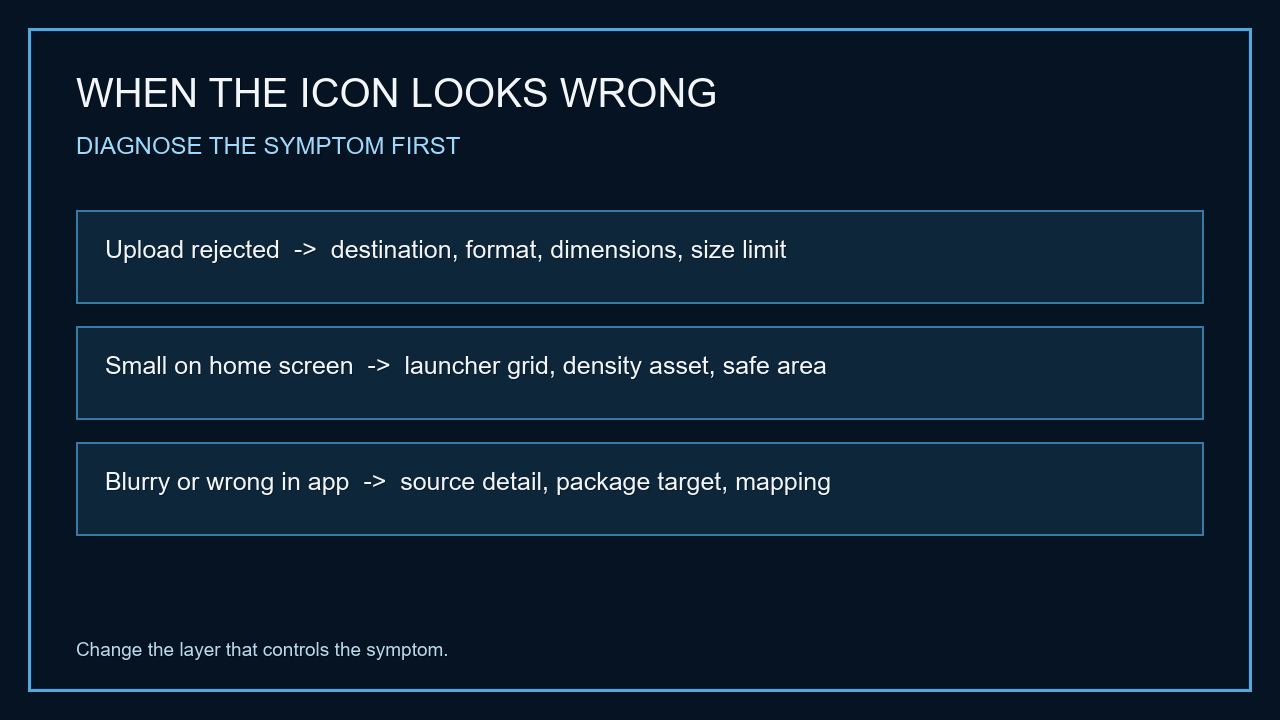
Use this symptom check before exporting again: if the store upload is rejected, inspect its format and limits; if the mark is cropped, inspect adaptive layers and safe area; if the whole icon looks small but remains sharp, inspect the launcher grid and display settings. Only revise the artwork when the image itself is the failing layer.
| What you are preparing | Starting point | Unit or file | Check before export |
|---|---|---|---|
| Apple app asset catalog | 1024 × 1024 square master | px, PNG source | Supported target and catalog configuration |
| Google Play listing artwork | 512 × 512 | px, 32-bit PNG, sRGB; maximum 1024 KB | This is listing art, not the launcher resource |
| Android adaptive launcher icon | 108 × 108 per foreground/background layer; central 66 × 66 safe area | dp | Mask crop and packaged density resources |
| Icon appears small on the home screen | Check launcher grid and device settings first | Device UI setting | Do not enlarge store artwork to change the grid |
A quick symptom-to-layer check
Rejected upload → store format, dimensions, color mode, or file limit. Cropped artwork → adaptive foreground, mask, or safe area. Small but sharp icon → launcher grid or device display setting. Blurry artwork → source detail and the density asset used by the app.
If an iOS build still reports a missing or rejected icon after the file is correct, continue with the target and asset-catalog checks in the iOS app icon size troubleshooting guide.
Choose the file that controls the result
- 01Identify the screen
Decide whether the file is for an App Store catalog, Google Play listing, installed Android launcher, or the phone's home-screen layout.
- 02Match the unit
Use pixels for exported raster dimensions and dp for Android adaptive-icon layer geometry. Do not convert a dp safe area into a universal PNG pixel size.
- 03Preview, then inspect the destination
Use the image preview above to check the square artwork, then verify the app target or launcher setting that consumes it. Use the app icon generator when you need separate export files.
FAQ
app icon size questions
What is the standard app icon size?
There is no one size for every app-icon destination. Apple app asset catalogs, Google Play listing artwork, Android launcher resources, and the size drawn by a phone launcher are separate cases.
Do Apple and Google Play use the same app icon size?
No. Apple App Store artwork and Google Play listing artwork have separate upload requirements. Android launcher assets are another category, so choose the destination before preparing its icon file.
Is a Google Play icon the same as an Android app icon?
No. The Google Play listing image is a store upload. Android launcher icons are app resources and can use adaptive foreground and background layers.
Why does my app icon look small on my phone?
If it is sharp but smaller than expected, check the launcher grid and device display settings. Exporting a larger store image does not necessarily change the icon size drawn by the launcher.
What does dp mean for an Android adaptive icon?
dp is a density-independent layout unit. Android adaptive-icon layer measurements in dp describe layer geometry, not a universal physical-pixel PNG size.