ICO to PNG export test
ICO to PNG: What Four Converters Actually Export
To convert an ICO to PNG, upload the .ico file to an ICO-to-PNG converter, run the conversion, and download the PNG.
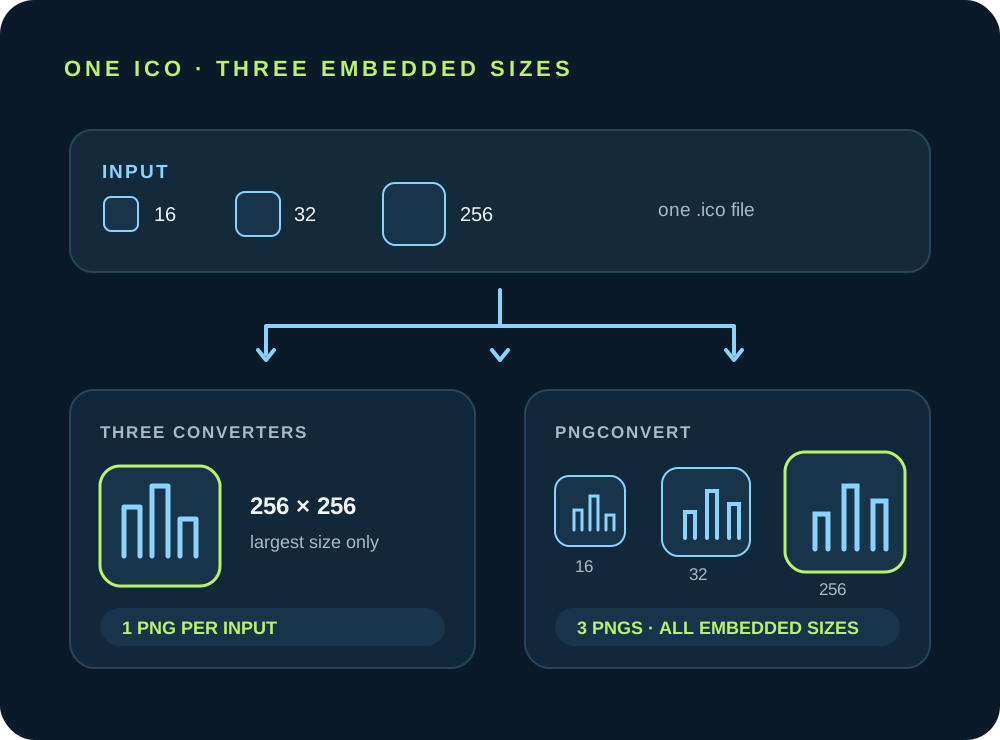
If you need more than one image size, check whether the output includes only the largest embedded image or every image. In our test, ToolsForImage, PixelTools, and ToolTea returned one largest-size PNG; PNGConvert returned a separate PNG for each embedded size.
The five-file test
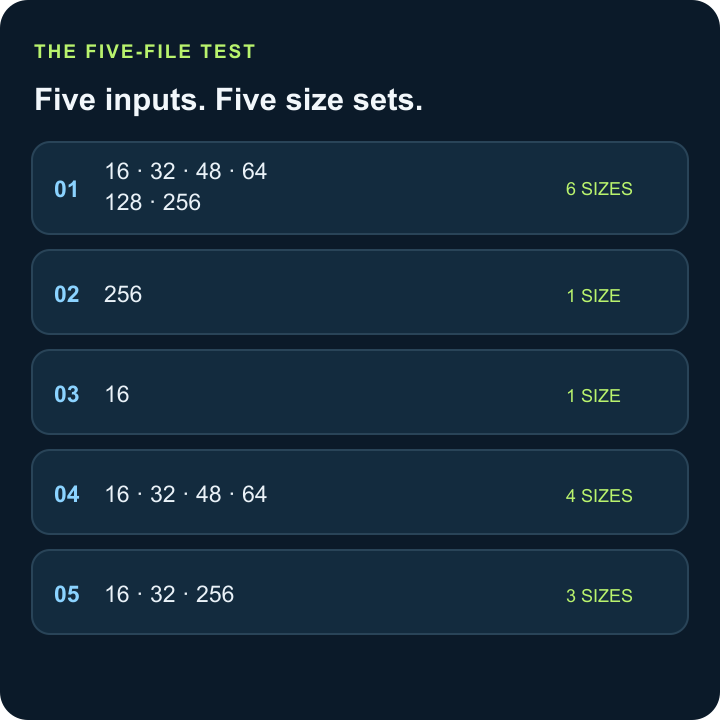
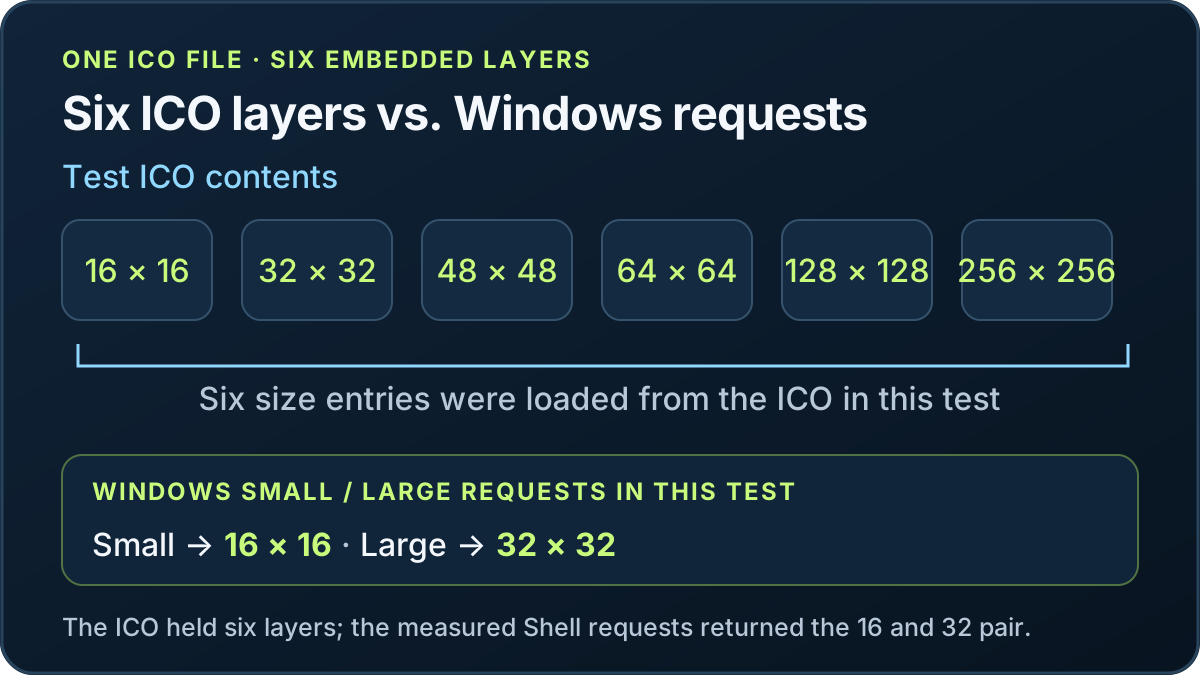
The five test ICOs contained five distinct size sets: 16, 32, 48, 64, 128, 256; 256; 16; 16, 32, 48, 64; and 16, 32, 256. I uploaded one ICO at a time to each of four converters. All 20 single-file runs produced downloads; decoding those downloads yielded 30 PNG files.
| ICO input | ToolsForImage | PixelTools | ToolTea | PNGConvert |
|---|---|---|---|---|
| 16, 32, 48, 64, 128, 256 | 1 PNG · 256×256 | 1 PNG · 256×256 | 1 PNG · 256×256 | 6 PNGs · 16, 32, 48, 64, 128, 256 |
| 256 | 1 PNG · 256×256 | 1 PNG · 256×256 | 1 PNG · 256×256 | 1 PNG · 256×256 |
| 16 | 1 PNG · 16×16 | 1 PNG · 16×16 | 1 PNG · 16×16 | 1 PNG · 16×16 |
| 16, 32, 48, 64 | 1 PNG · 64×64 | 1 PNG · 64×64 | 1 PNG · 64×64 | 4 PNGs · 16, 32, 48, 64 |
| 16, 32, 256 | 1 PNG · 256×256 | 1 PNG · 256×256 | 1 PNG · 256×256 | 3 PNGs · 16, 32, 256 |
What the downloaded PNGs showed
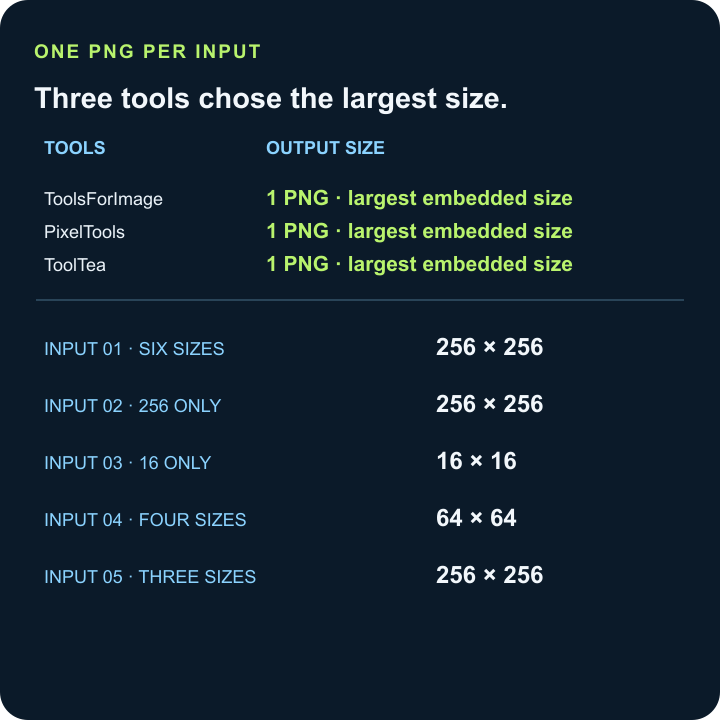
ToolsForImage, PixelTools, and ToolTea each returned one PNG for every input, at that ICO's largest embedded size. Their output sizes followed the input: 256×256 from the six-size set, 256×256 from the 256-only set, 16×16 from the 16-only set, 64×64 from the 16/32/48/64 set, and 256×256 from the 16/32/256 set.
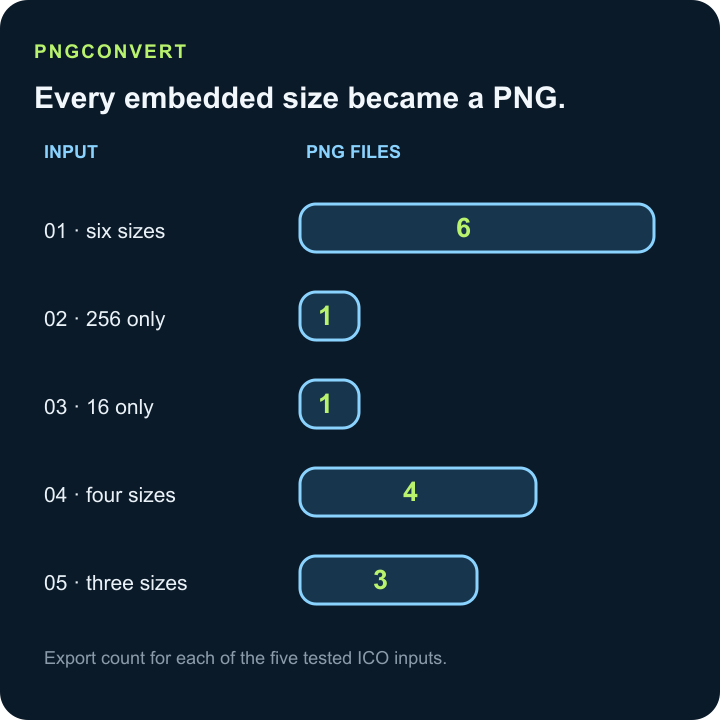
PNGConvert returned every embedded size: six PNGs from the six-size ICO, one from each single-size ICO, four from the 16/32/48/64 ICO, and three from the 16/32/256 ICO. The 16×16-only sample produced a 16×16 PNG at all four converters; the three largest-size outputs stayed at that size, and PNGConvert had only that one embedded image to export.
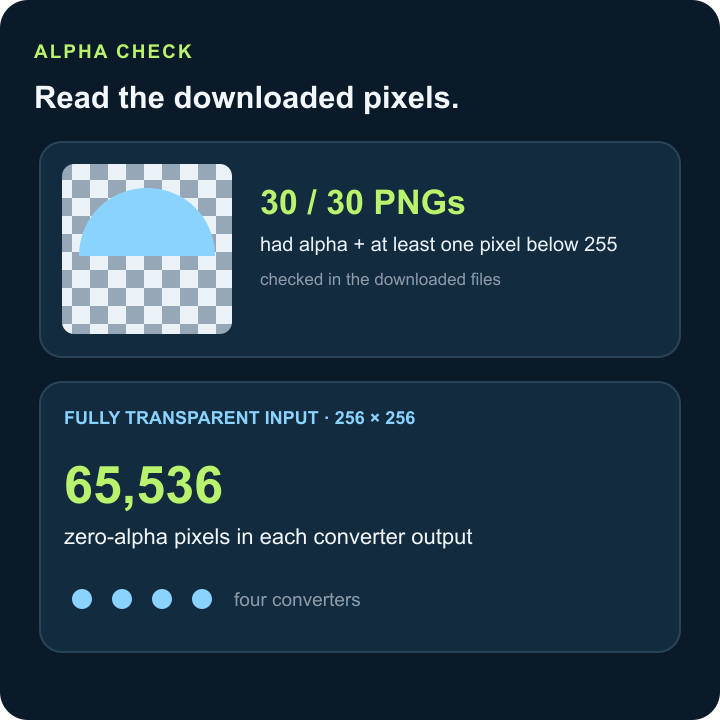
Every one of the 30 downloaded PNGs had an alpha channel and at least one pixel with alpha below 255. On the fully transparent 256×256 sample, each converter's output had exactly 65,536 pixels with alpha equal to zero.
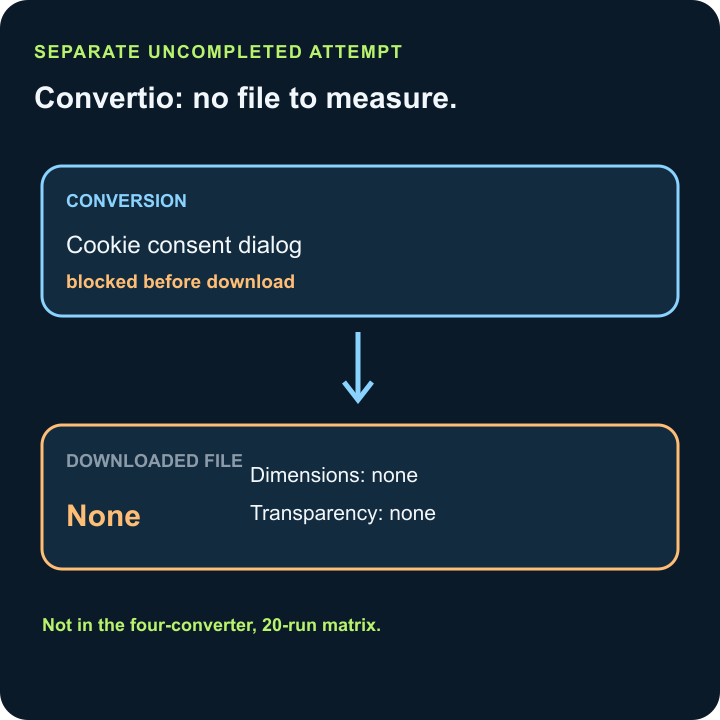
Convertio is a separate uncompleted attempt. Its cookie-consent dialog blocked the conversion before a file was downloaded, so there are no Convertio dimensions or transparency results to compare. It is not included in the four-converter, 20-run matrix.
FAQ
ICO to PNG questions
Can I convert multiple ICO files to PNG or JPEG at once?
This matrix did not test multi-file batch uploads: each run sent one ICO to one converter. The four converters returned downloads in all 20 single-file runs, which does not establish batch support.
What if one file triggers an error and none of the files convert?
This matrix did not reproduce that batch-wide error. In the separate Convertio attempt, a cookie-consent dialog stopped the run before a download; all 20 single-file runs at the other four converters returned downloads.
Can Photoshop open ICO files?
Adobe's current supported graphics import and export list does not include ICO, so it does not document native ICO support. Adobe says a format missing from the Open or Import menu may require a plug-in, so check the options in your installation [1][2].
Can I just change an ICO file's extension to PNG?
No. Changing a filename extension does not convert the file to another format; the image data must be converted and written as PNG [3].
Can one ICO contain images at several sizes?
Yes. Microsoft documents ICO resources containing multiple images, and our five test inputs had five distinct embedded-size sets [4].
Are the images inside an ICO layers, or separate image entries?
They are separate icon image entries: Microsoft's resource format has one directory entry for each image, with its own dimensions and color format [5]. This is not an editable layer stack.
Can this ICO to PNG comparison convert an ICO to WebP?
No. This comparison records PNG downloads only; it does not test WebP output. If your target specifically requires WebP, extract the intended ICO image entry with a decoder that can write WebP, and verify the saved file is actually WebP. Keep the ICO's multiple image entries in mind when choosing which size to export.
Can I convert ICO to BMP with the tool on this page?
This page compares ICO-to-PNG outputs, so it does not produce or measure BMP files. To make a BMP, use an image editor or decoder that can open ICO and export BMP, select the intended image entry, then verify the exported dimensions and format. The PNG results in this matrix don't establish BMP behavior.