Local comparison workflow
Favicon Extractor: Compare Downloaded Icon Files Side by Side
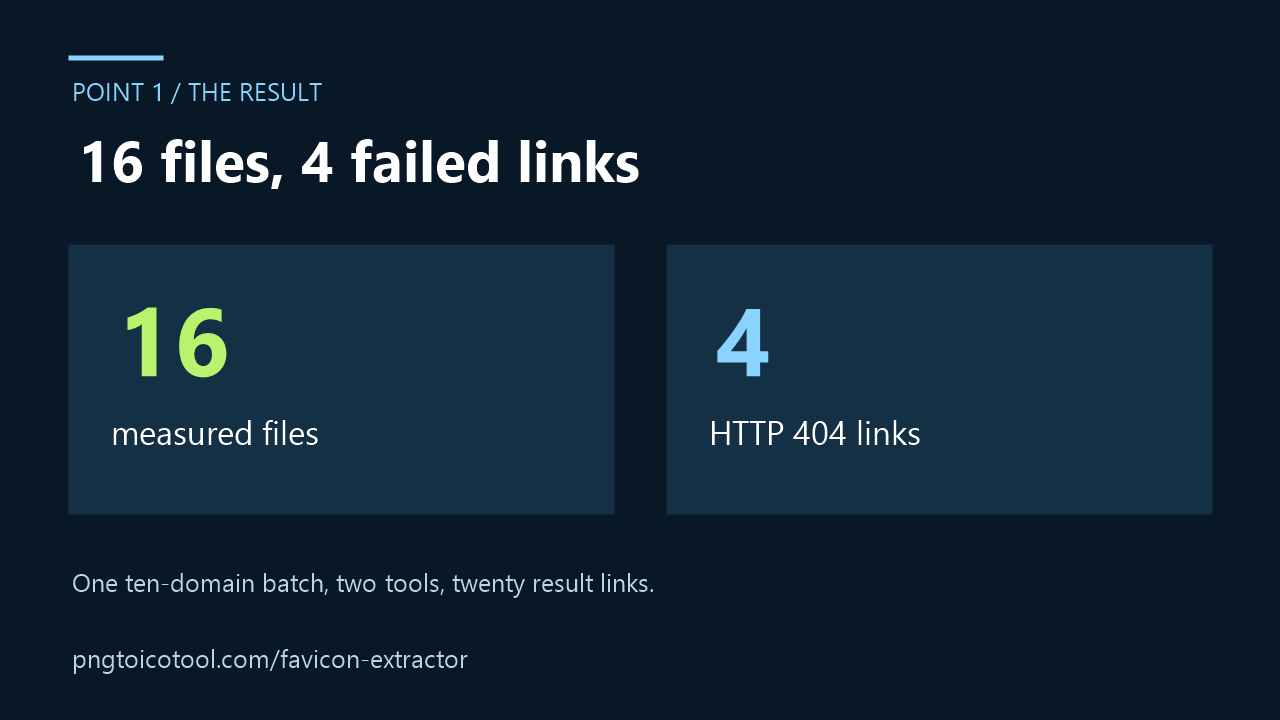
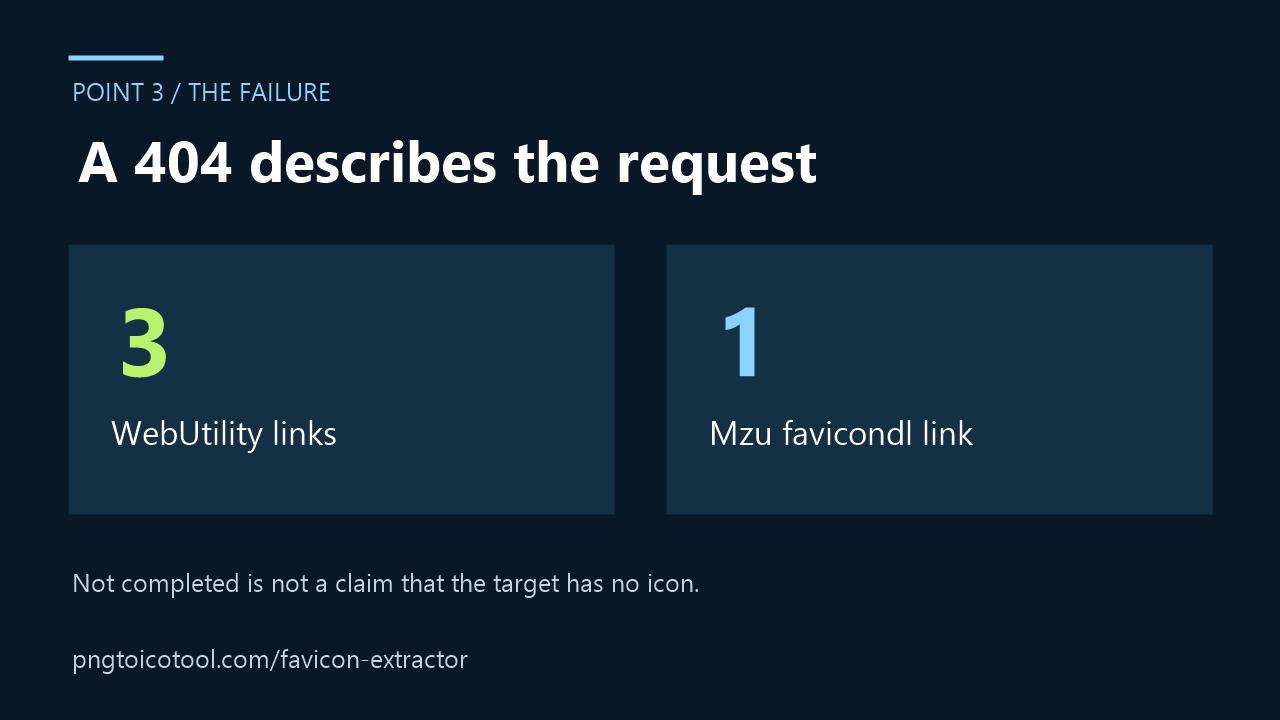
In this ten-domain comparison, 16 of 20 requested 32-pixel result links yielded files; four returned HTTP 404. The table shows each measured file or the exact failed request. You can inspect your own downloaded files below without sending them to this page.
Keep the domain batch and downloaded files together
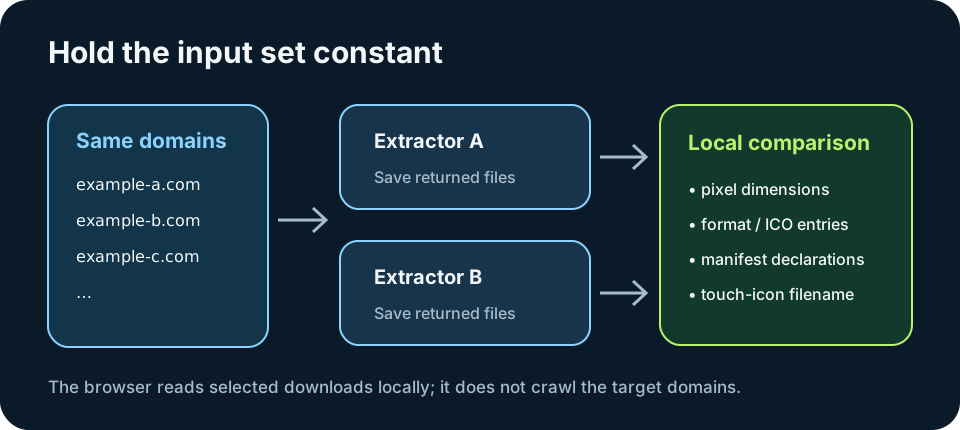
A result card is not the same thing as an inspected file. If a tool shows a size label, that label may describe a requested output size rather than an original file returned by the target site. Save the result, then check the downloaded bytes. Keep the extractor name and domain in each filename so the rows remain attributable.
Run the same domains in each extractor and download what it offers. The local comparison below accepts image files, ICO files, and manifest JSON selected from your device. It does not visit a domain, read its HTML, or request its icon endpoints. That boundary avoids silently substituting a service-side fetch for the files you chose to inspect.
Separate image pixels from page metadata
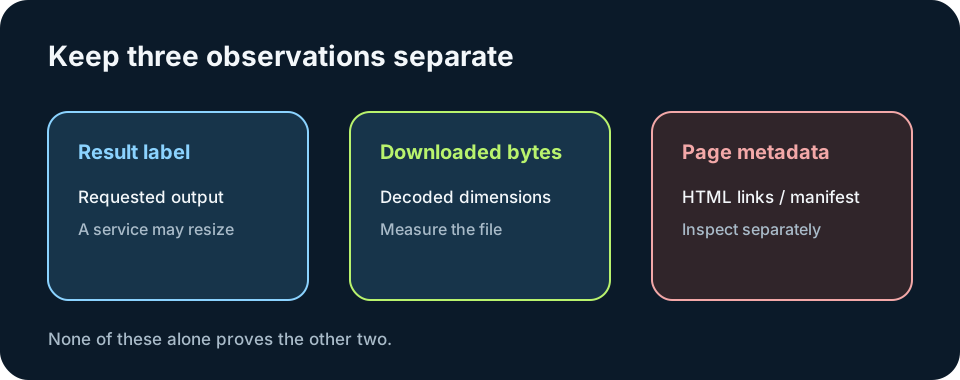
A downloaded raster image has pixel dimensions and a file format. An ICO can contain multiple directory entries, so inspect its entries instead of relying on the filename. An Apple Touch icon declaration is a page link element; a downloaded PNG with a suggestive filename cannot prove that a page declares that link. A manifest icon list is separate JSON metadata and should be inspected as its own file.
The local report identifies dimensions from decoded images, lists ICO directory entries, and reads icon records from a manifest JSON file you choose. It can flag a filename that contains `apple-touch-icon`, but it cannot prove that the live page links to that file. To verify a declaration, inspect a saved HTML document yourself and compare its link elements with the downloaded assets.
Observed interface results from this comparison run
I entered the same ten-domain batch in the WebUtility and Mzu favicondl interfaces, selected their 32-pixel results, and requested the returned file links. Sixteen downloads were checked from file signatures and image dimensions. I retried the four failed links on October 7, 2026: each again answered HTTP 404. A failed link says nothing about whether the target site has an icon or whether another extraction path could work.
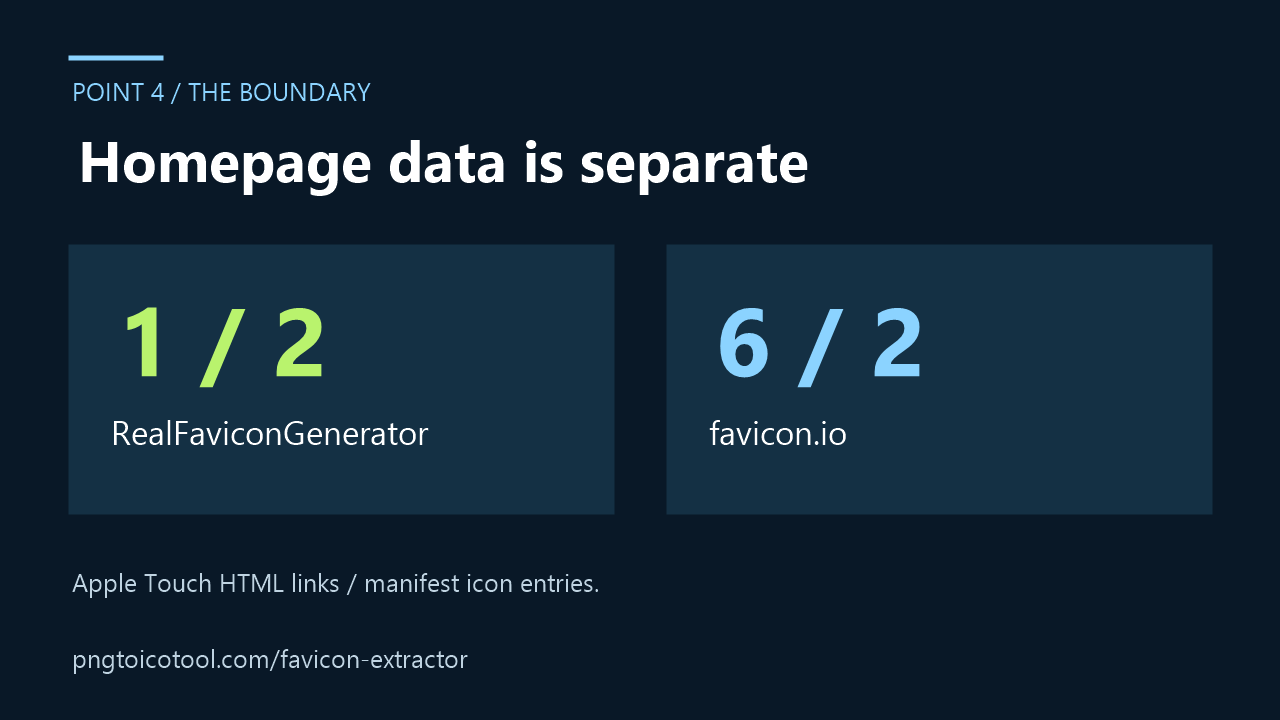
I separately fetched each target's homepage HTML and followed its declared manifest link when present. The final column counts Apple Touch link elements in that HTML and icon entries in a successfully fetched manifest JSON; zero means that the inspected response contained no matching declaration. These homepage observations do not prove that either extractor returned or preserved those resources.
Compare files you downloaded
Name each file with the extractor and domain, for example webutility-example-com-icon.png. Choose the returned images, ICO files, and manifest JSON files below. The report runs in this browser against your selected files only.
Inspect files you downloaded
Select image files, ICO files, saved HTML, and manifest JSON. Files stay in this browser; this tool does not fetch target domains.
Choose files to inspect.
The HTML report reads saved apple-touch-icon and manifest link elements. The manifest report reads icon declarations in a JSON file you select. These local files describe the saved page only.
To include page declarations, save the target page HTML and its manifest JSON alongside the returned images, then select those local files too. The table can report saved HTML link declarations and manifest icon entries. It does not fetch or refresh those files, so record the date and source separately in your comparison notes.
Measured 32-pixel outputs and homepage declarations
For each successful 32-pixel result link, I checked the downloaded file's dimensions and PNG or JPEG signature. A failed link is labeled not completed with the observed HTTP response. Apple Touch values count matching link elements in fetched homepage HTML; manifest values count icon entries in the linked JSON response. These are separate observations, not features attributed to the extractor.
| Target domain | WebUtility file | Mzu favicondl file | Homepage declarations: Apple Touch / manifest icons |
|---|---|---|---|
| realfavicongenerator.net | 32 × 32 PNG | 32 × 32 PNG | 1 / 2 |
| favicon.io | 32 × 32 PNG | 32 × 32 PNG | 6 / 2 |
| faviconcheck.tamethebots.com | 32 × 32 PNG | 32 × 32 PNG | 0 / 0 |
| favicontools.com | 32 × 32 PNG | 32 × 32 PNG | 9 / 4 |
| usesuperflow.ai | 32 × 32 PNG | 32 × 32 PNG | 1 / 1 |
| seositecheckup.com | Not completed: returned file URL answered HTTP 404 on 2026-10-07 | 32 × 32 PNG | 0 / 0 |
| toolsaday.com | 32 × 32 PNG | 32 × 32 PNG | 1 / 0 |
| favio.io | 32 × 32 JPEG | 32 × 32 JPEG | 0 / 6 |
| favicraft.com | Not completed: returned file URL answered HTTP 404 on 2026-10-07 | 32 × 32 PNG | 1 / 2 |
| colinkeany.github.io | Not completed: returned file URL answered HTTP 404 on 2026-10-07 | Not completed: returned file URL answered HTTP 404 on 2026-10-07 | 0 / 0 |
The homepage request returned HTTP 200 for all ten target hosts during this run. The table reports only the selected 32-pixel result links and the separately fetched homepage declarations. It does not claim that every other size shown in a result interface was downloaded or measured.
For checking favicon contrast at a small size, see the [checking favicon contrast at a small size](favicon-checker).
FAQ
Favicon extractor comparison questions
Can a 32 × 32 result label prove the original icon was 32 × 32?
No. It may be a resized or fallback image. Inspect the downloaded file's decoded dimensions and keep the tool's output label separate from that observation.
Can an Apple Touch icon file prove the site declares it?
No. A file name or image cannot prove a live HTML link element points to it. Inspect the site's HTML declaration separately.
Does this comparison page fetch a domain for me?
No. It is designed for files you download yourself and select locally. It does not make a request to the target domains.