Small-icon design
Favicon Maker: Keep the Small Icon Clear
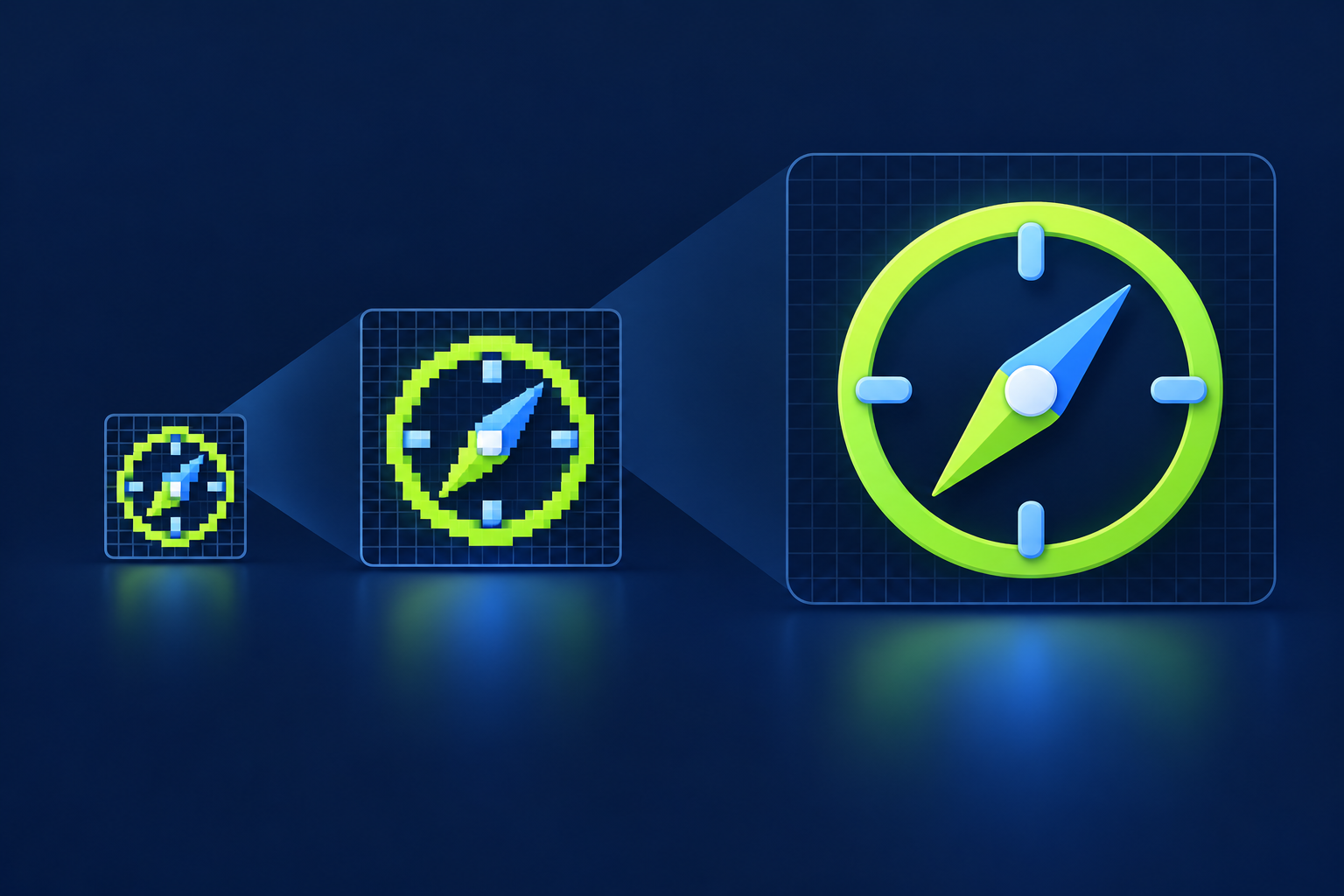
Use a favicon maker to export your icon files, but judge the artwork at its smallest intended display before shipping. If the mark falls apart, simplify or redraw a compact version; a bigger source image alone will not fix it.
Check the mark before you generate
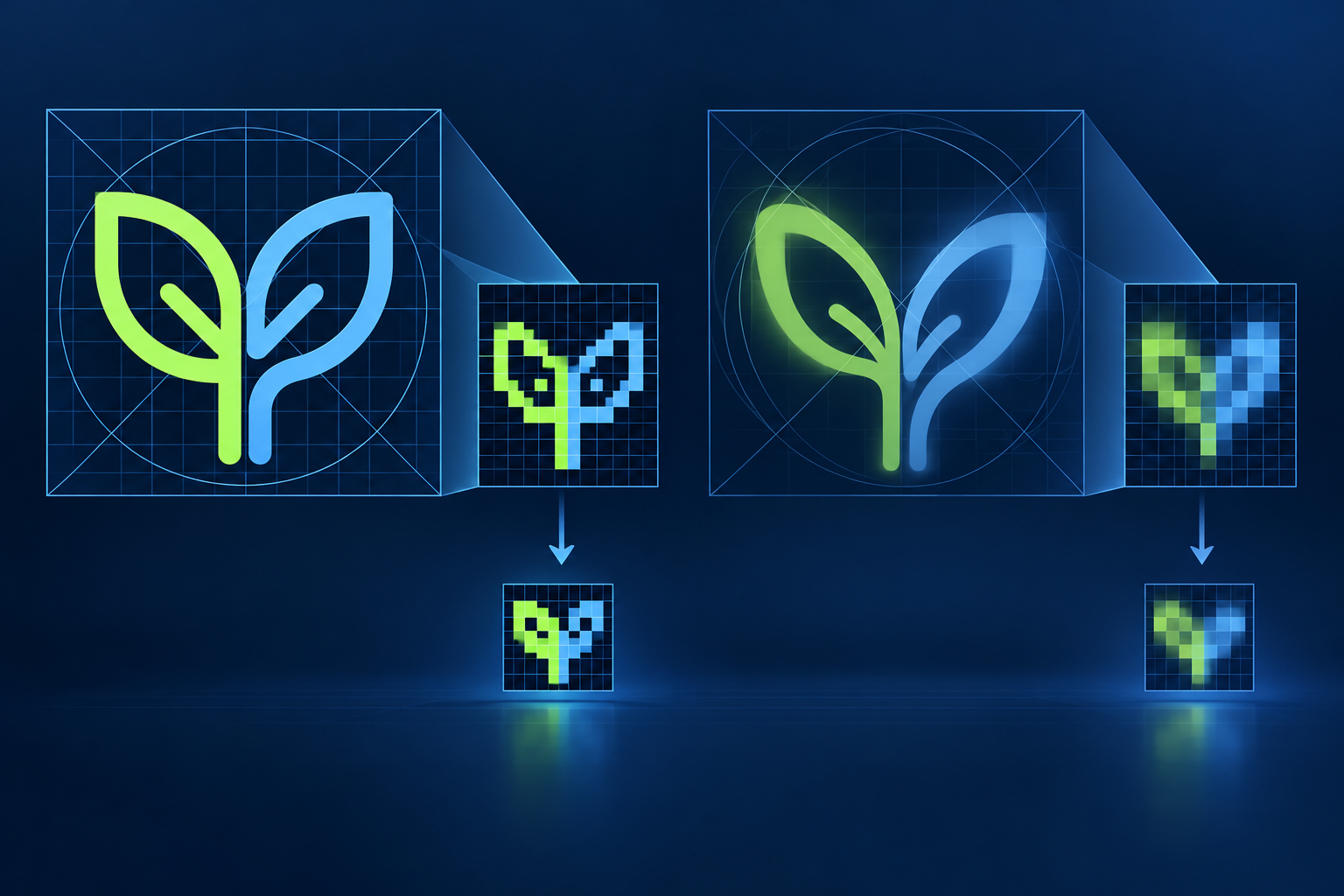
A clean master file does not certify the tiny version; inspect the mark at 16 × 16 before calling the export finished. Vector paths can scale smoothly and still look soft when their edges miss the target pixel grid.
Compare the 16 × 16 view with 32 × 32, 48 × 48, and 64 × 64 versions. If a detail vanishes at the smallest size, remove it or draw a simpler version for that size. One practical alignment example scales a 512 × 512 master down to 128 × 128 and uses 4-pixel strokes aligned to 4-pixel intervals; treat that as an example for that scale, not a universal rule.
Treat the export as a test
A 512 × 512 source is only a starting canvas: a separate 200 × 200 example still looked weak at 32 × 32. In one browser-tested setup, a single 144 × 144 PNG was enough; a different workflow kept an SVG and several ICO sizes. Those are contrasting workflows, not a one-size-fits-all specification.
If a tiny SVG turns into a bundle of larger bitmap files, check whether your site will use them all. A favicon maker that generates more files has not necessarily made a better fit.
A favicon that changes color while the page scrolls can feel playful in a portfolio and become a moving target in a crowded tab bar. Keep the mark stable when people use it to find a tab; save changing colors for a design where that effect has a clear purpose.
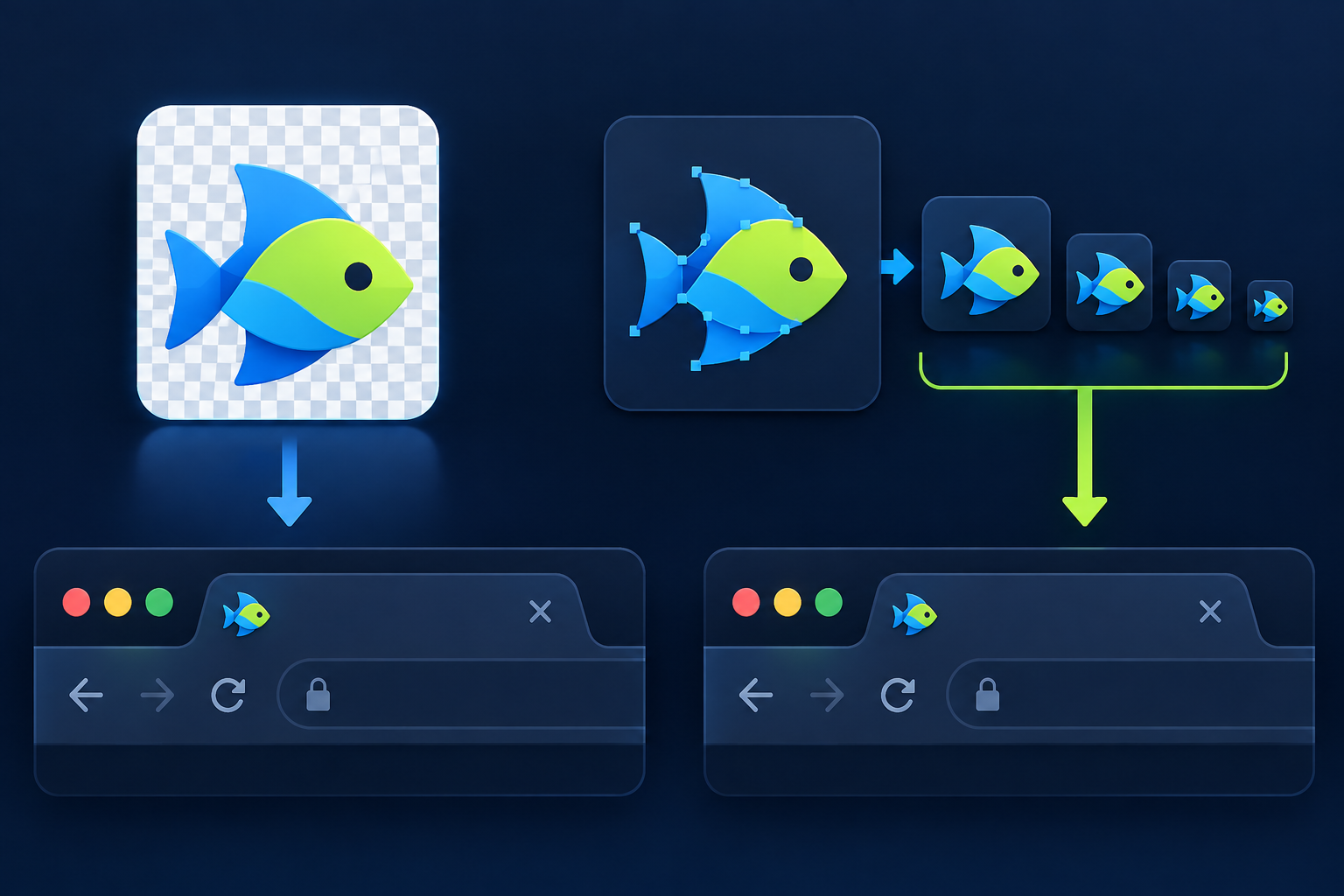
Practical choice: use automatic generation for a mark that stays legible when reduced. If it does not, refine the small artwork first, then use the maker to export and inspect the result.
For making a favicon from source artwork, see the [making a favicon from source artwork](favicon-maker).