PNG to ICO shape lab
PNG to ICO: Pad a Rectangle to Keep Its Shape
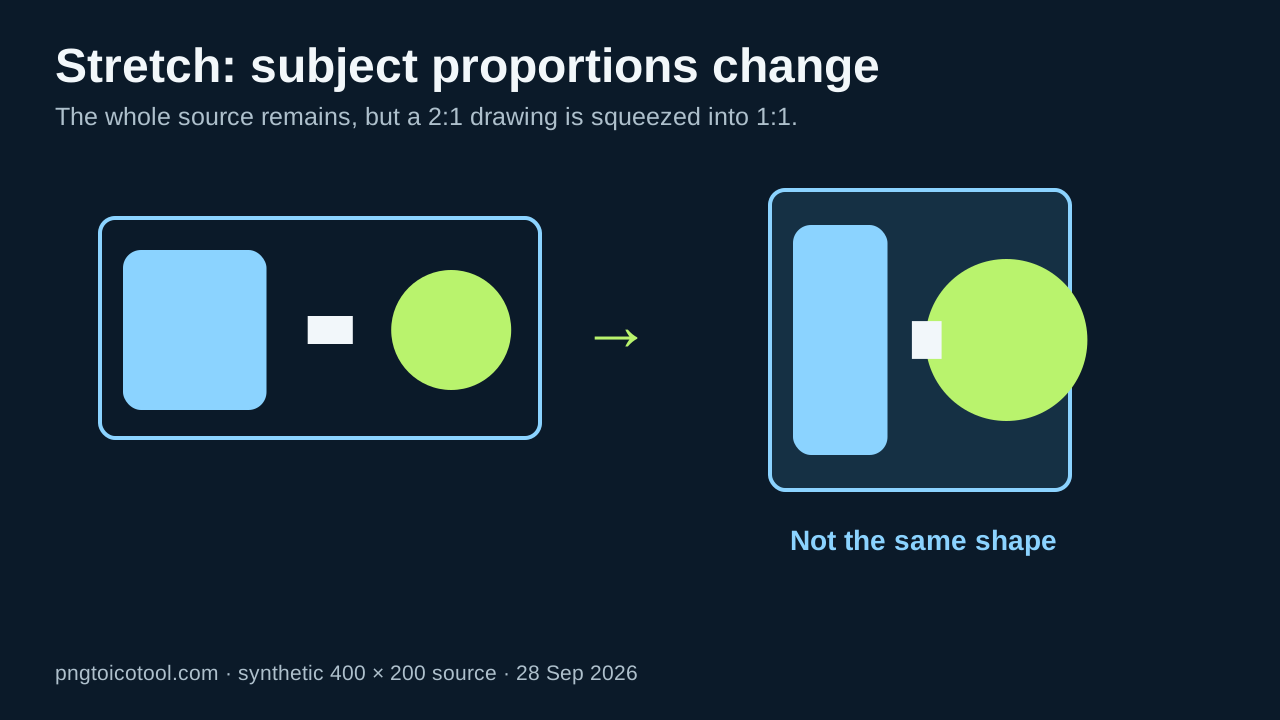
For a rectangular PNG, preserve the whole drawing by fitting it onto a transparent square canvas before ICO conversion. Stretching distorts the drawing; square cropping can discard edges. Export the padded PNG, convert it, and inspect the saved ICO layers.
Convert a PNG to ICO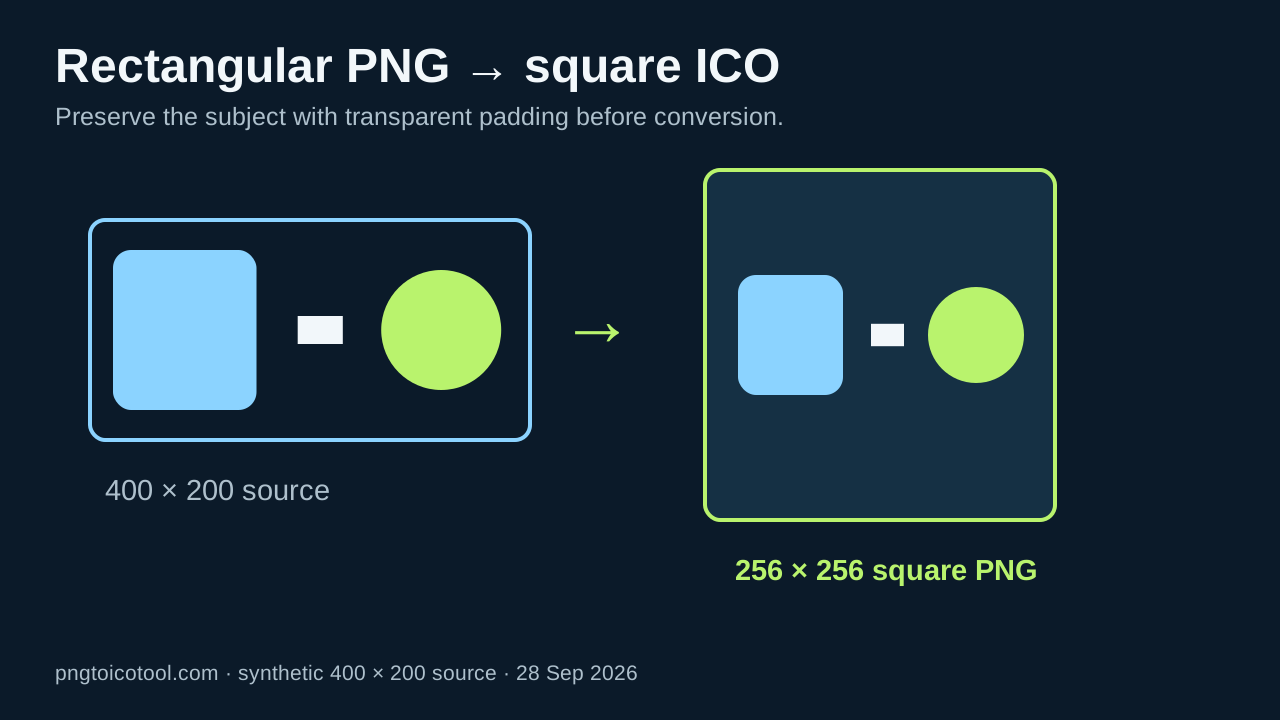
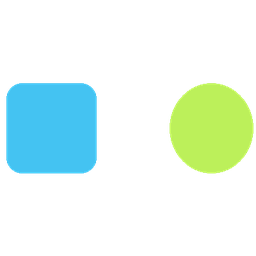
In our synthetic 400 × 200 test, transparent padding created a 256 × 256 square image while keeping the original 2:1 artwork fully in view. Its 16-pixel preview had transparent rows above and below the design. The other two methods either changed the subject's proportions or discarded content at both sides. Choose the method based on whether preserving all content or filling the whole square matters more for your icon.
This is one controlled local demonstration with Pillow 12.3.0, run on 28 September 2026. Exact byte totals and alpha bounds belong to these synthetic files; they do not predict another converter's output. The source, all three prepared PNGs and ICOs, measurements, and scripts are downloadable below.
Three preparations from one synthetic source
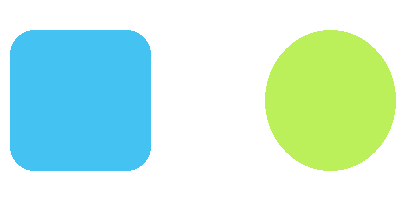
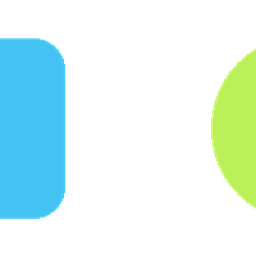
We drew a transparent 400 × 200 PNG with a blue rounded block near the left edge, a lime circle near the right edge, and a small white center mark. We then prepared three 256 × 256 PNGs from exactly that same source: a direct stretch, a centered square crop, and an aspect-preserving transparent pad. The full script and output files are provided. The visual difference is intentional and directly inspectable; no subjective quality score was assigned.
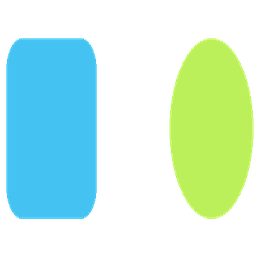
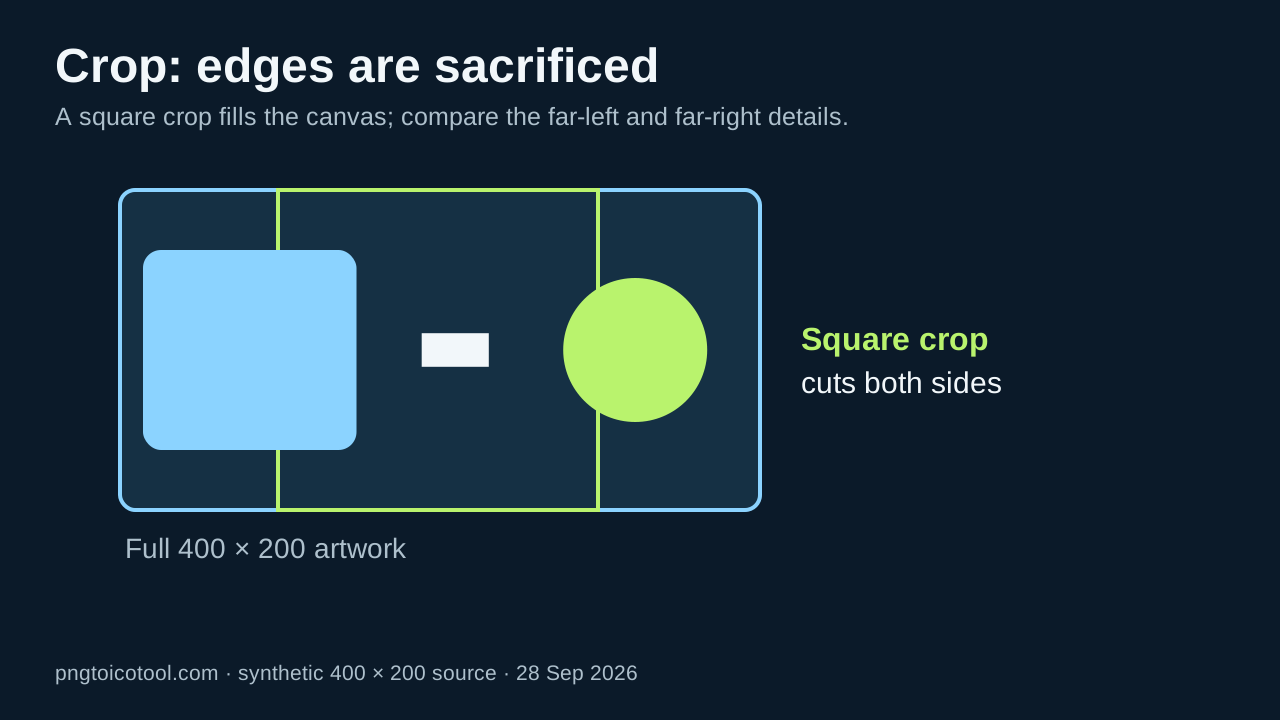
The stretch maps 400 horizontal pixels and 200 vertical pixels into equal 256-pixel dimensions, so the subject's proportions change. The crop fills the square by trimming the wide source around its center; parts of the two edge shapes disappear. The pad fits the whole source inside the square and leaves transparent space above and below. In the padded 16 × 16 preview, its alpha content occupies rows 3 through 12, with transparent rows around it. That small preview is a reminder that preserving the whole design can also make it occupy less of a tiny icon.
What the saved ICO files actually contain
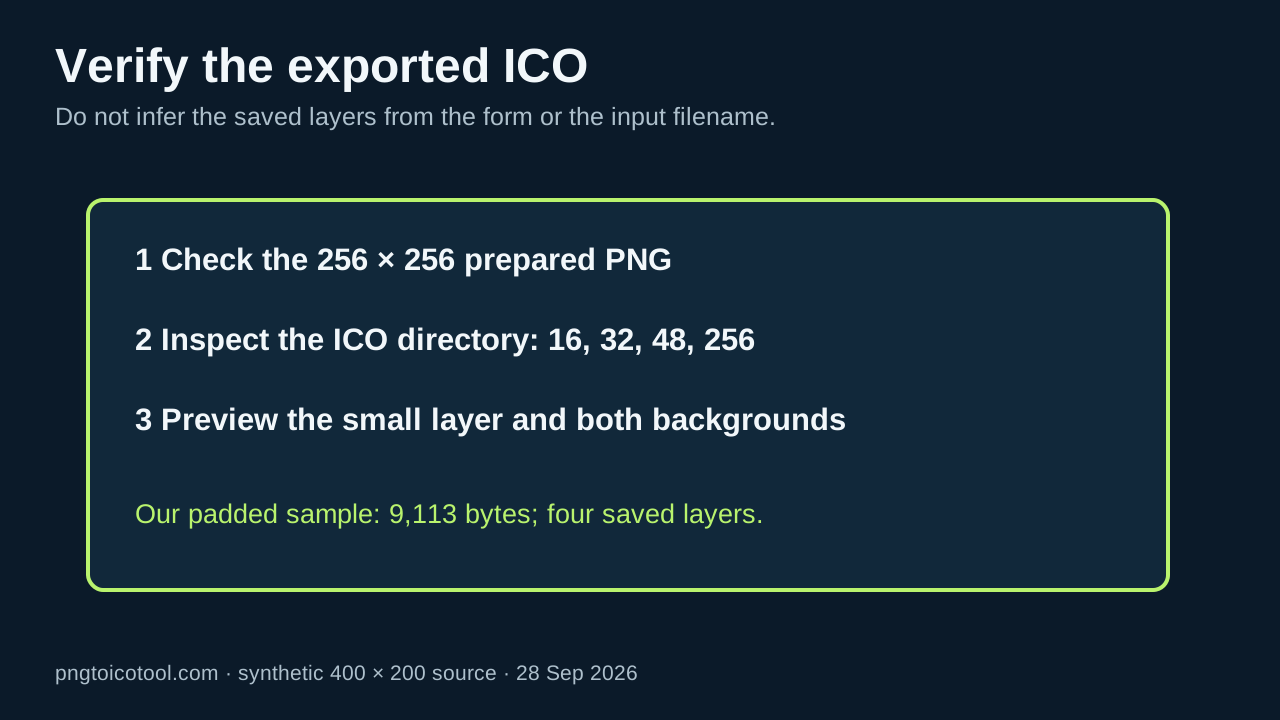
We exported each prepared PNG as an ICO with requested sizes 16, 32, 48, and 256 pixels, then parsed the saved ICO directory. All three sample files contain those four square entries. Their exact lengths in this run were 13,600 bytes for stretch, 9,355 for crop, and 9,113 for pad. Different pixel content compresses differently, so these byte counts are observations about our files and should not be used to rank the methods generally.
For this artwork, padding preserves both far-edge shapes but gives them less vertical footprint in the 16-pixel square. A crop can make the remaining center larger while losing both side shapes. A stretch fills the canvas while deforming the circle and rounded block. The best choice is therefore a content decision, not a contest to get the smallest ICO. If the padded 16-pixel view is too small, simplify or redraw that small layer rather than silently cutting off essential details.
A repeatable check for your own icon
Open the source and identify its aspect ratio. Prepare a square PNG using transparent padding if every part must remain. Preview it against both light and dark backgrounds so transparent margins are distinguishable from white pixels. Convert that square PNG to ICO, then inspect the actual directory sizes and the small decoded image. Keep the source PNG, prepared PNG, ICO, and export settings so a surprising result can be reproduced.
Our script uses Pillow's resize, fit, and pad operations and writes measurements.csv with each output's byte count, directory sizes, and alpha bounding boxes. Those bounds describe nonzero alpha in the preview, including antialiasing at edges; they are not a visual-quality grade. Re-run with the pinned Pillow version if exact numbers matter. For a Windows application, Microsoft's icon guidance lists 16, 32, 48, and 256 pixels as a full set, but the target application still determines what you need to inspect.
One-source rectangle preparation test
Synthetic transparent 400 × 200 PNG; Pillow 12.3.0; three 256 × 256 preparations; local files measured on 28 September 2026.
| Preparation | ICO bytes | Saved sizes | 16-pixel preview alpha bounds |
|---|---|---|---|
| Stretch | 13,600 | 16, 32, 48, 256 | (0, 0, 16, 16) |
| Center crop | 9,355 | 16, 32, 48, 256 | (0, 0, 16, 16) |
| Transparent pad | 9,113 | 16, 32, 48, 256 | (0, 3, 16, 13) |
Coordinates are Pillow alpha bounding boxes in the 16 × 16 previews; the right and bottom endpoints are exclusive. Byte lengths and bounds apply to these files only.
Prepare a rectangular PNG for an ICO
- 01Identify what must stay visible
Mark the subject and any edge details you cannot lose. In our deliberately wide sample, objects sit near both ends; that makes a center crop easy to distinguish from padding.
- 02Place the image on a transparent square canvas
Resize proportionally to fit the target square and center it, leaving transparent space on the shorter axis. Verify that the padding is actual alpha transparency rather than white paint.
- 03Export and inspect the ICO
Convert the prepared square PNG. Inspect the downloaded file's image entries and preview the sizes you need; a size selected in the converter interface is not proof it exists in the saved ICO.
FAQ
Rectangular PNG to ICO questions
Can I convert a rectangular PNG directly to ICO?
Some converters accept one, but the shape treatment can vary. If you need the entire image without distortion, first place it proportionally on a transparent square PNG and inspect the resulting ICO.
Why does a padded icon look smaller at 16 pixels?
The full wide subject fits within a square, leaving transparent space on the shorter axis. In our sample, the visible content occupies only part of the 16-pixel preview. Simplify the design or prepare a separate small layer if the target requires more visual weight.
Will cropping make an ICO sharper?
Cropping can enlarge the remaining central content, but it removes edge content. In our sample it cuts both far-end shapes. Inspect what the crop removes before treating a fuller square as an improvement.