Favicon HTML
Favicon HTML: Link favicon.ico from Your Page
Add a link rel="icon" element inside the page's <head>. Point href at the favicon file you actually deploy; a root-relative path and a folder-relative path resolve differently.
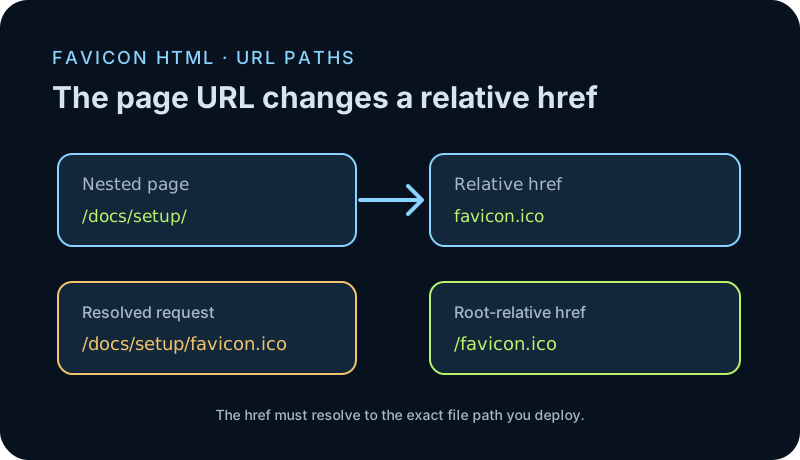
Use <link rel="icon" href="/favicon.ico" type="image/x-icon"> inside <head>, then deploy that file at the domain root. The leading slash makes the URL /favicon.ico from both root and nested pages. If you use href="favicon.ico" on a nested page, the browser resolves it inside that page's folder instead.
The shortest working favicon HTML
Put this element in the document head and deploy `favicon.ico` at the site root: `<link rel="icon" href="/favicon.ico" type="image/x-icon">`. The `rel` value identifies the linked resource as the page icon. The HTML does not create or upload the file; it tells the browser where to request it.
The HTML Living Standard defines the `icon` link type as an icon representing the current document. MDN also documents `rel="icon"` for favicons and explains that multiple icon links can be selected using their type, sizes, and media attributes. For a single ICO, begin with one explicit link and confirm its URL before adding alternate formats.
A relative filename follows the page URL
A path without a leading slash is resolved relative to the current document. That difference can hide in a site whose home page works while a guide or product page shows a broken icon. In a local browser fixture, the same `href="favicon.ico"` resolved to `/favicon.ico` from a root document and to `/nested/favicon.ico` from a document in `/nested/`.
A leading slash points from the origin root: `/favicon.ico` resolved to `/favicon.ico` in both tested document locations. In the missing-file fixture, the relative path resolved to `/nested/missing.ico` and returned 404. These are measured URL resolutions and HTTP responses from the test server; they are not a promise that every browser cache or hosting configuration behaves identically.
The test used four separate HTML routes, each with a single icon link and no `base` element. The root and nested folders both served the same 36,827-byte probe ICO. That kept the image constant while the document URL or href changed, so the test measured path resolution rather than a difference in artwork or encoding.
For every row, the local script opened a fresh browser context, read the resolved `link.href`, fetched that URL, and recorded its status, response type, and body length. The three valid paths returned the identical ICO as `image/x-icon`; the missing nested path returned a nine-byte plain-text 404. The run therefore isolates URL and server mapping for these fixtures. It does not claim that Chrome displayed the icon in a tab or that a CDN cache was tested.
Check the request before changing the icon
First copy the fully resolved href from the browser or inspect it in Developer Tools. Request that URL directly and check the status, response type, and file body. A successful HTML document at the wrong address does not count as a favicon file; neither does a 404 page that happens to have a `.ico` filename.
If the file was replaced at the same URL, the browser may still show a cached icon while the new request propagates through your site or CDN. Test the exact deployed URL in a clean browser session. If you control the markup, a versioned filename such as `favicon-v2.ico` gives you a new path to verify without changing the icon format.
Keep this step separate from mobile home-screen icons
A `rel="icon"` link handles the page-icon relationship. It is not a complete instruction for every mobile Home Screen or installed web-app icon. Apple touch icons and web-app manifest entries are separate routes; add them only when that destination is part of your release. This guide covers the browser favicon URL and the HTML element that points to it.
Browser fixture: href resolution and response
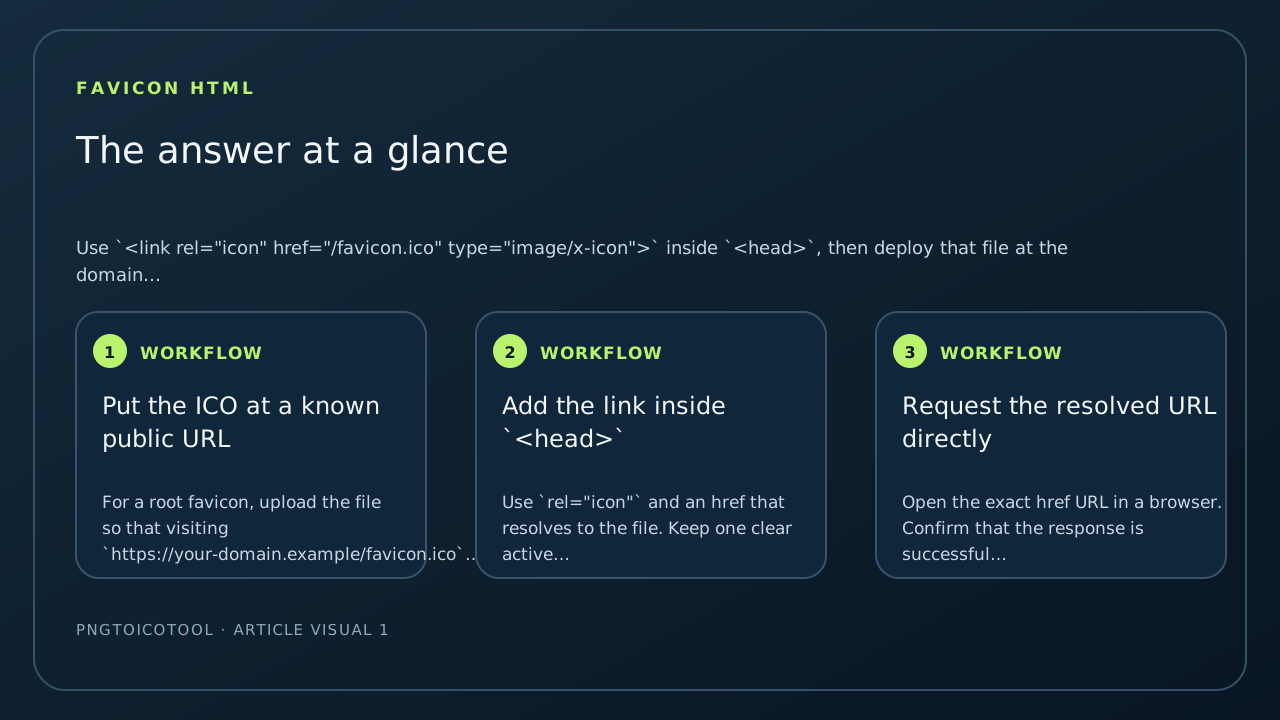
A local Chrome fixture served four documents and a synthetic ICO. The page script fetched the URL resolved from each `link rel="icon"` element and recorded the final path, response, content type, and bytes.
| Document URL | HTML href | Resolved request path | HTTP status | Response type | Bytes |
|---|---|---|---|---|---|
| /root.html | /favicon.ico | /favicon.ico | 200 | image/x-icon | 36,827 |
| /nested/root-link.html | /favicon.ico | /favicon.ico | 200 | image/x-icon | 36,827 |
| /nested/relative.html | favicon.ico | /nested/favicon.ico | 200 | image/x-icon | 36,827 |
| /nested/missing.html | missing.ico | /nested/missing.ico | 404 | text/plain | 9 |
One local Chrome 141.0.7390.98 run; no other browser or hosting provider was tested. The test calls fetch() on the resolved link URL to record the HTTP result; it does not measure favicon display or browser icon-cache behavior.
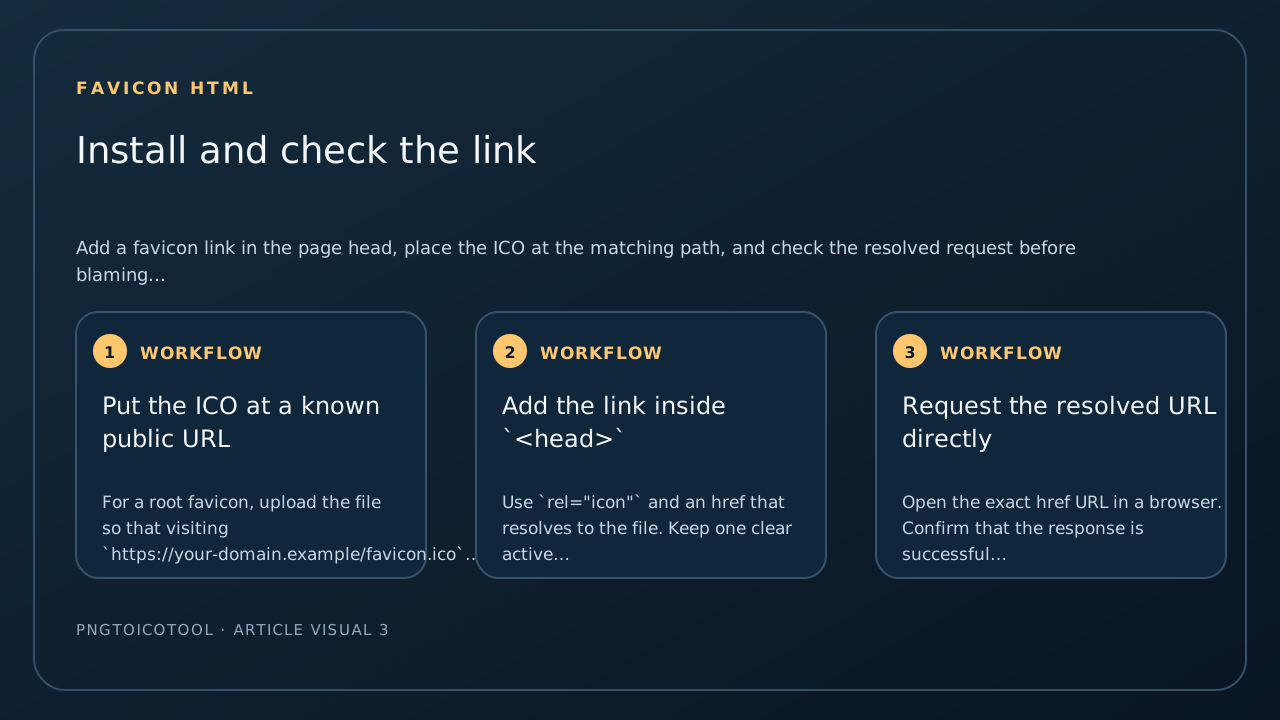
Install and check the link
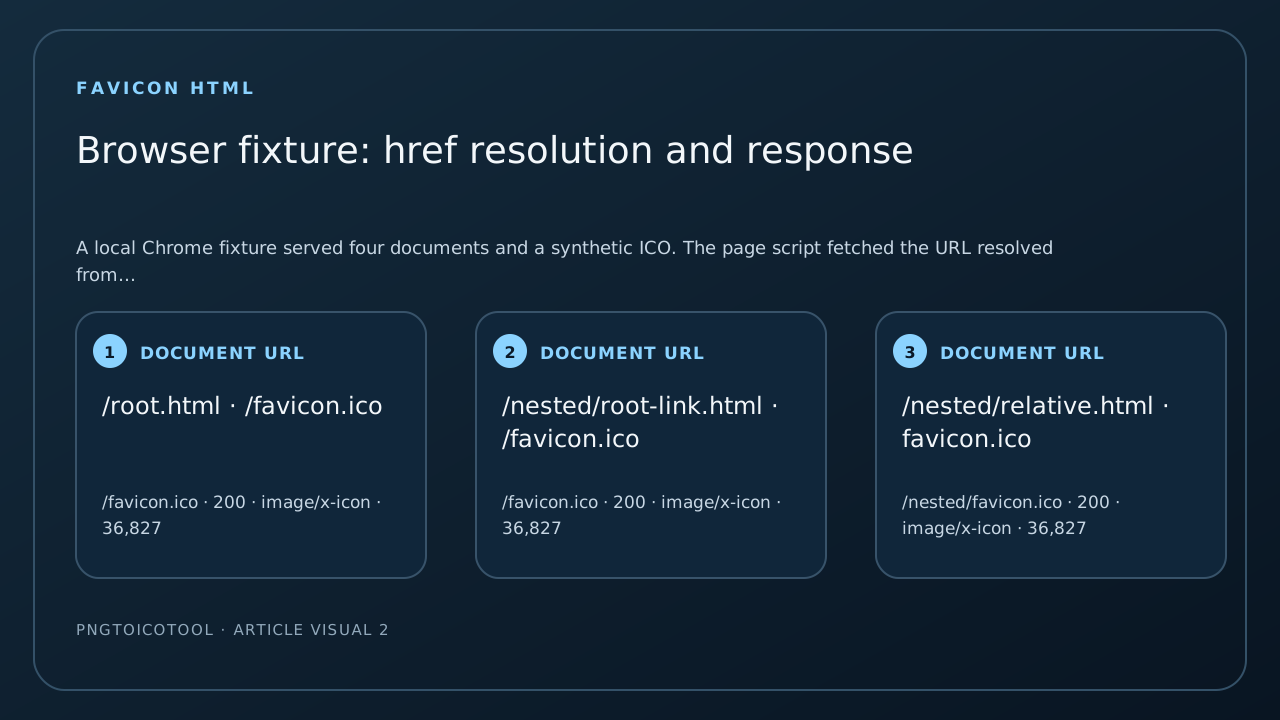
- 01Put the ICO at a known public URL
For a root favicon, upload the file so that visiting `https://your-domain.example/favicon.ico` returns the image. If your site publishes under a subfolder, use the actual public base path instead.
- 02Add the link inside `<head>`
Use `rel="icon"` and an href that resolves to the file. Keep one clear active icon reference while you troubleshoot; an old competing link can make it unclear which image a browser selected.
- 03Request the resolved URL directly
Open the exact href URL in a browser. Confirm that the response is successful and contains the ICO file, then reload the page. If the URL returns an error or HTML, fix the path or deployment before changing the icon artwork.
FAQ
Favicon HTML questions
Where does the favicon link go in HTML?
Place the `link rel="icon"` element in the page's `<head>`, and set its href to the public URL of the ICO file.
Should I use `/favicon.ico` or `favicon.ico`?
Use `/favicon.ico` when the file is at the domain root. A relative `favicon.ico` resolves beside the current document, so nested pages may request a subfolder path.
What does a 404 on the favicon URL mean?
The server did not find a file at the requested path. Confirm the deployed file location and the resolved href before changing its image dimensions.
Does `rel="icon"` configure an iPhone Home Screen icon?
No. Apple's touch-icon route and a web-app manifest icon are separate from the page favicon link. This page covers the browser icon URL.