JPG to ICO
JPG to ICO: Why the Background Stays Solid
A standard JPG or JPEG has no alpha transparency. A plain JPG to ICO conversion keeps the image's existing background opaque; saving it as PNG alone does not remove that background. For a see-through icon, remove the background first, export a PNG that actually contains transparency, then convert that PNG to ICO.
Convert a PNG to ICO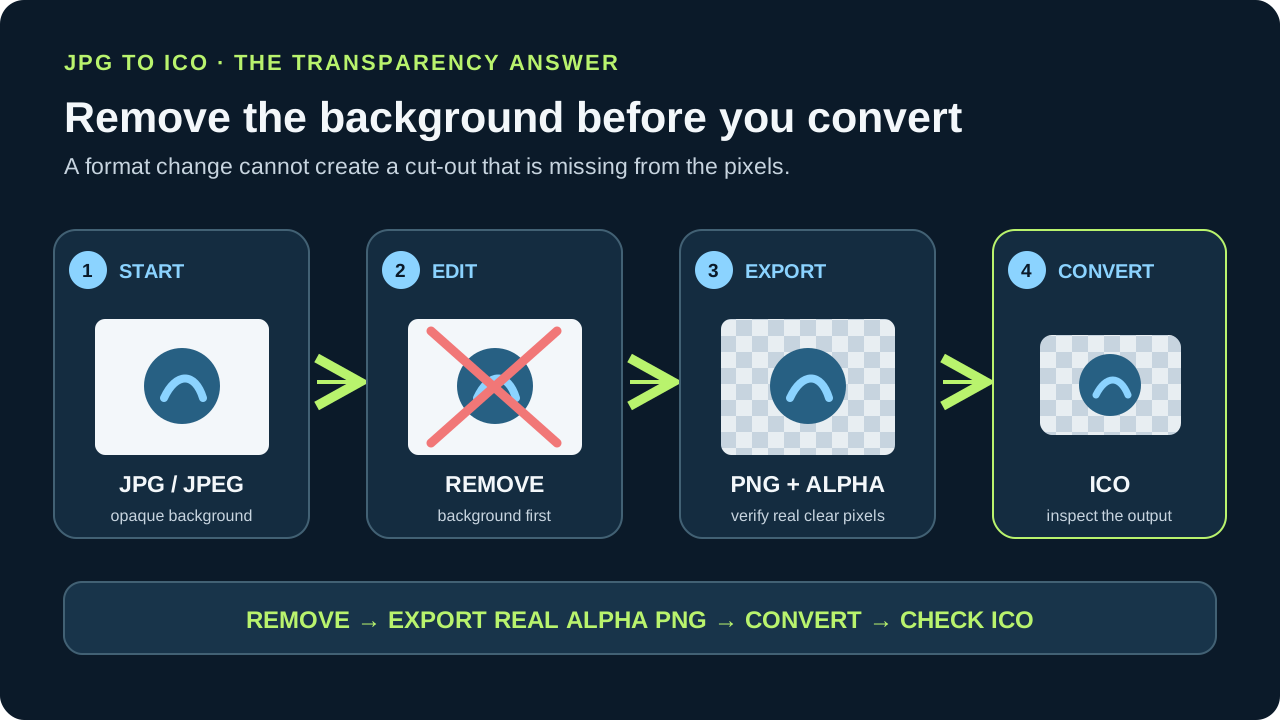
JPG to ICO does not cut out a background. JPEG has no transparency channel, so a plain conversion carries its solid background into the icon. Convert to PNG only after removing the background, and check that the PNG really has transparent pixels before creating the ICO.
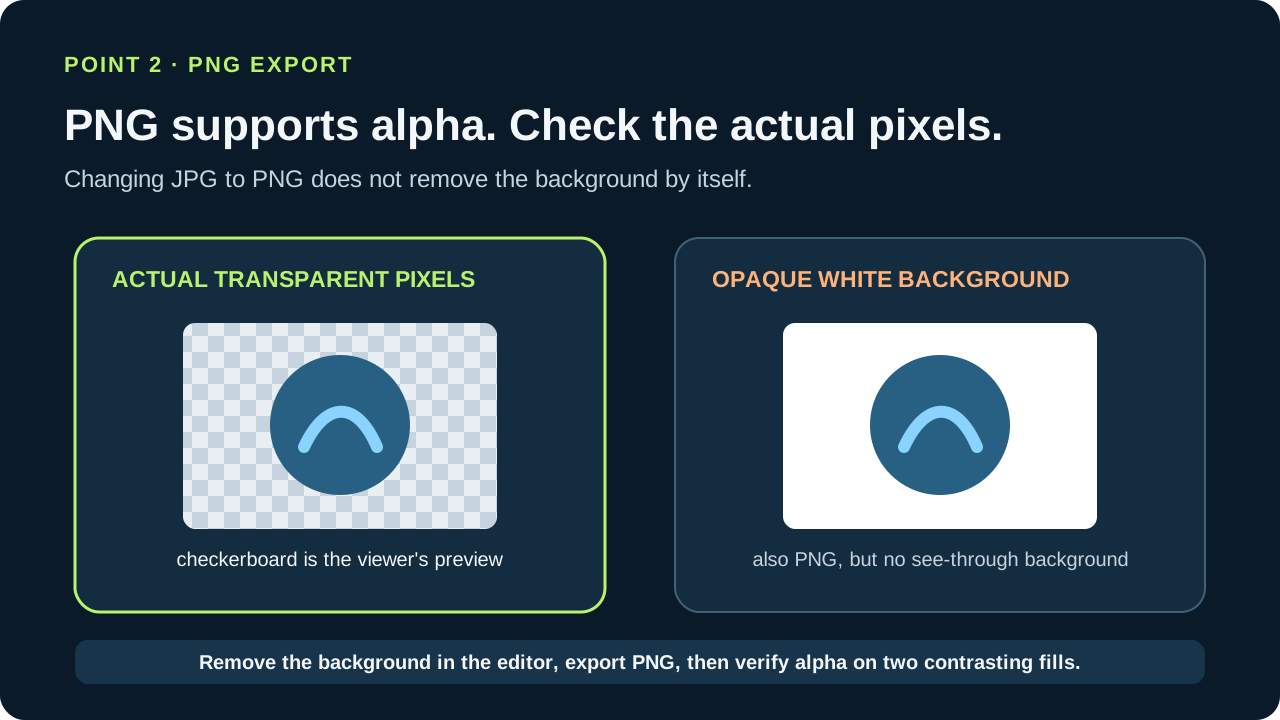
A PNG can support transparency without actually containing transparent pixels. Verify the exported pixels against a checkerboard or contrasting backgrounds before converting.
Why a direct JPG to ICO conversion stays opaque
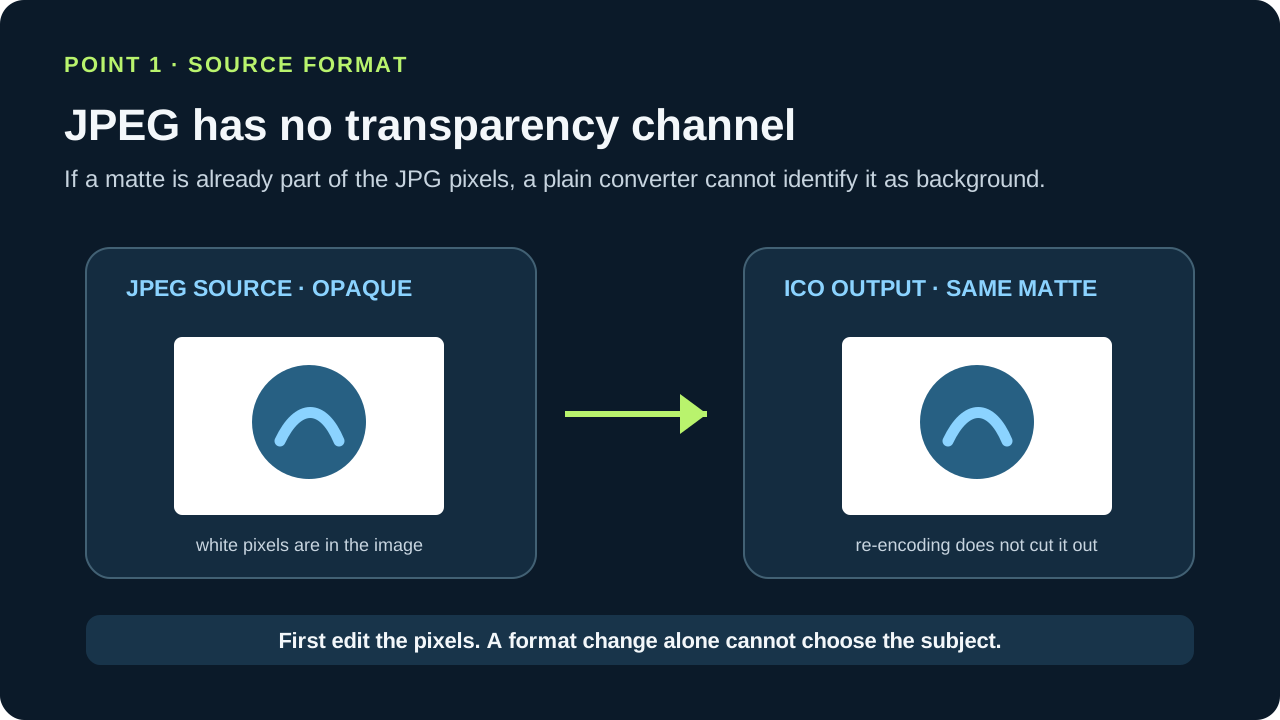
JPEG does not support transparency. When an image with transparency is saved as JPEG, transparent pixels are filled with a matte color. Once that color is part of the JPG, a plain format converter has no transparency channel or cut-out mask to preserve.
So whether you search for jpeg to ico, change jpg to ico, convert a jpg to ico, or convert jpg to ico file, the key question is the same: was the background already removed from the source pixels? A direct re-encoding does not identify which part of a photograph should disappear.
Image I saved as jpg and with transparent background shows white when printed
A PNG step helps only after the background is removed
PNG supports an optional alpha channel, but that capability does not make every PNG transparent. If you convert a JPG to PNG without editing it, the background that was already visible in the JPG remains visible in the PNG.
For a transparent result, first remove the background, then export PNG and verify its alpha pixels. This is the reliable sequence for someone trying to convert a JPG to an icon file or looking for an icon converter from JPG to ICO.
What the ICO can preserve
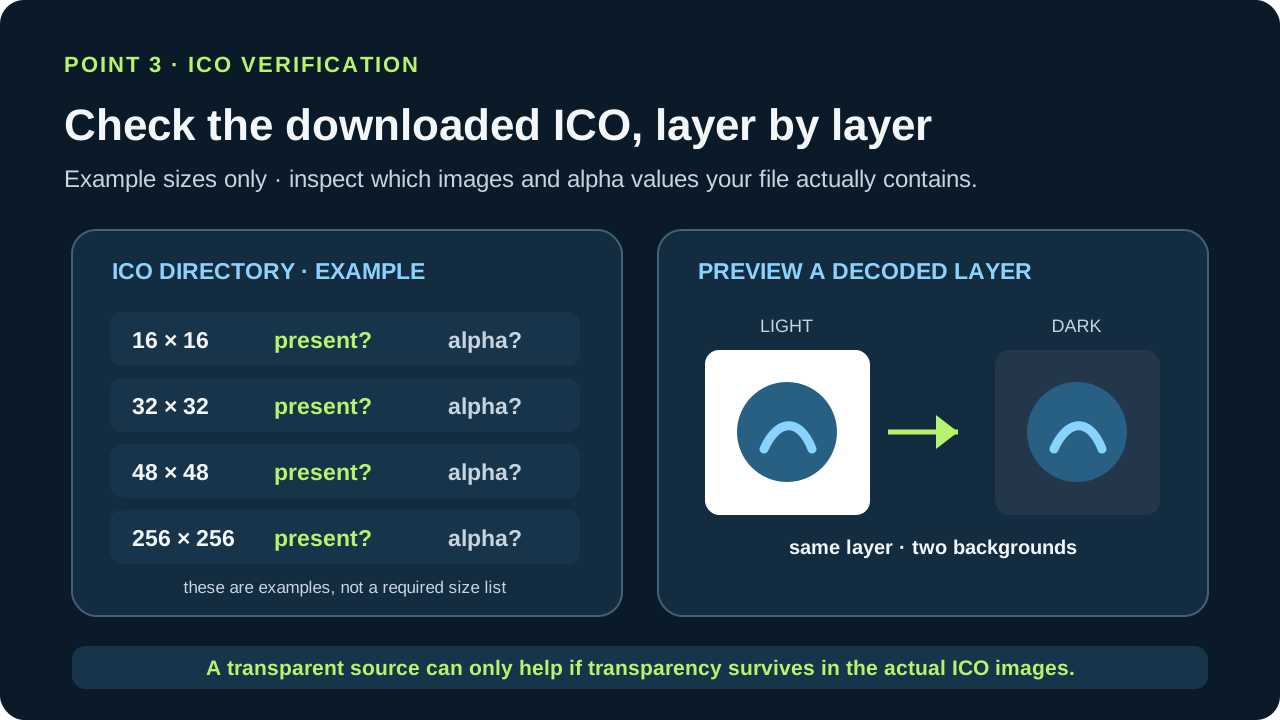
Windows icon resources can store multiple images at different sizes, including 32-bit ARGB images with per-pixel alpha transparency. An ICO can preserve transparency when its image layers are encoded with alpha; the container alone cannot reconstruct a background that was baked into a JPG.
The supplied keyword list also includes webp to ico. WebP is different from JPEG: Google's format documentation says WebP supports alpha transparency. Check the actual WebP image, because support for alpha does not mean every file uses it.
using native app icons with fake transparent icons
Does a free JPG to ICO converter make a cut-out?
The word free describes access or price, not whether the source has transparency. A converter that only changes formats cannot know which photographed object to keep and which background to remove. If a particular tool offers a separate background-removal feature, verify its result before creating the ICO.
The transparency decision before JPG to ICO
- 01Check the source format
JPEG does not store transparency. If the JPG shows a solid backdrop, those background pixels are part of the image a plain converter receives.
- 02Make transparency before exporting PNG
Remove the background in an image editor, then export a PNG with transparent pixels. Merely changing a JPG into a PNG keeps the visible background; the PNG format's optional alpha channel does not remove pixels by itself.
- 03Convert the transparent PNG to ICO
An ICO can contain multiple image sizes and can store per-pixel alpha. Convert only after the PNG has the cut-out you want, then inspect the icon's image layers to confirm the transparent area survived.
FAQ
JPG to ICO transparency questions
Will JPG to ICO make the background transparent?
Not by plain format conversion. JPEG has no transparency channel, so remove the background and export a transparent PNG before converting to ICO.
Will converting JPG to PNG remove the background?
No. PNG can store alpha transparency, but converting the file does not edit out the visible background. Remove it first and verify the PNG's actual transparent pixels.
Can an ICO contain transparent pixels?
Yes. Windows icon resources can store 32-bit ARGB images with per-pixel alpha. The source layer still needs to contain the transparency you want.
Does the same limitation apply to WebP to ICO?
No. WebP can support alpha transparency, unlike JPEG. Check whether the particular WebP file actually uses transparent pixels.