PNG to ICO input-type test
PNG to ICO Converter: Do PNG Color Types Change the Result?
For this opaque 64×64 artwork, RGB, RGBA, indexed, and grayscale PNG inputs produced the same ICO bytes within each tested converter.
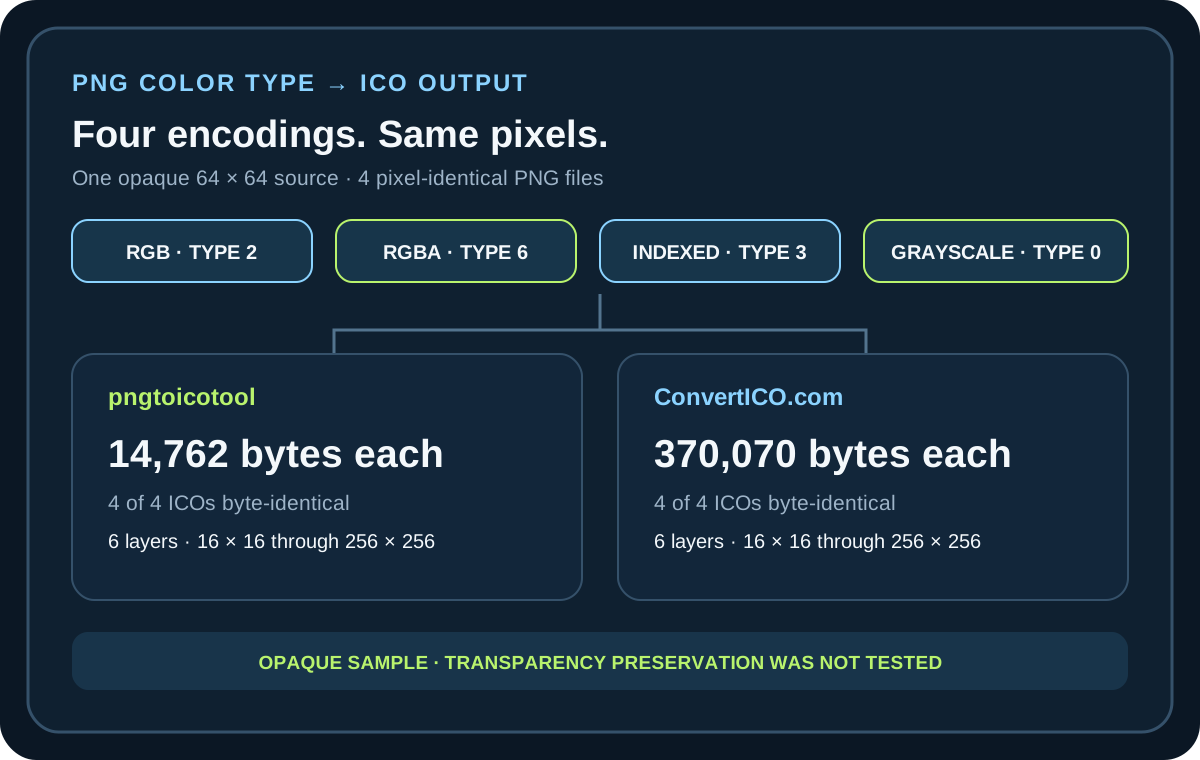
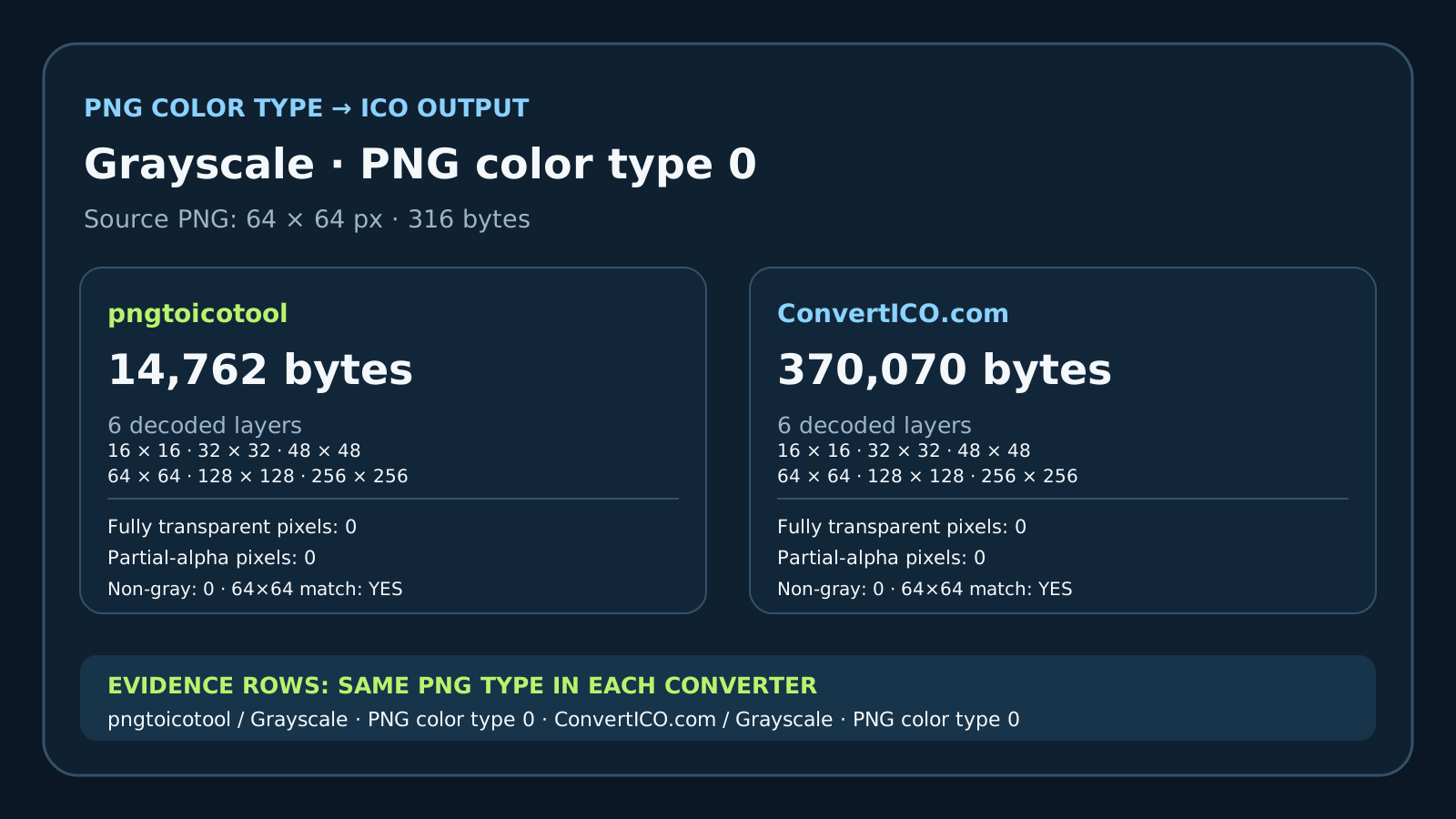
All four source PNGs decoded to identical pixels. Both converters returned six layers at 16×16, 32×32, 48×48, 64×64, 128×128, and 256×256. Within pngtoicotool, each ICO was 14,762 bytes; within ConvertICO.com, each was 370,070 bytes. The downloaded files matched byte for byte across the four input types in each converter, and each 64×64 layer matched the source pixels exactly.
The test image was fully opaque. The zero transparent-pixel counts below do not test whether either converter preserves transparency in a transparent source PNG.
One decoded image, four PNG color types
The 64×64 source artwork is a simple opaque grayscale drawing. It was saved as RGB (PNG color type 2), RGBA (type 6 with every alpha value at 255), indexed color (type 3), and grayscale (type 0). The four files differ in PNG storage type and byte length, but a local decode check confirmed that every RGBA pixel was identical.
Each file was run once through the pngtoicotool browser converter and once through ConvertICO.com. The third-party page's option to display a result in its Recently Converted Icons gallery was left unchecked. The ICOs were downloaded and inspected locally; no page-displayed size was used as the measured file size.
The decoded ICO layers matched for this sample
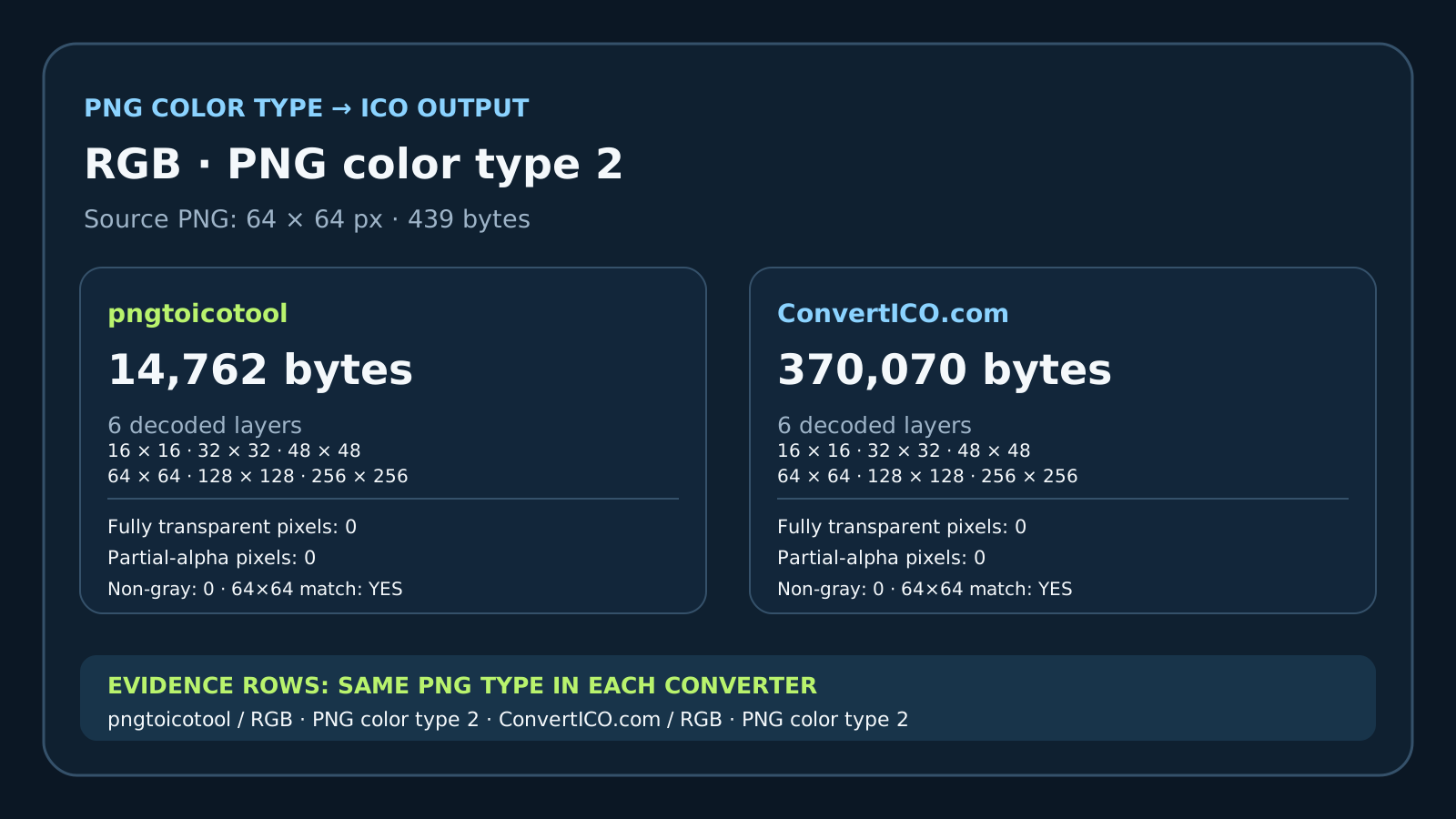
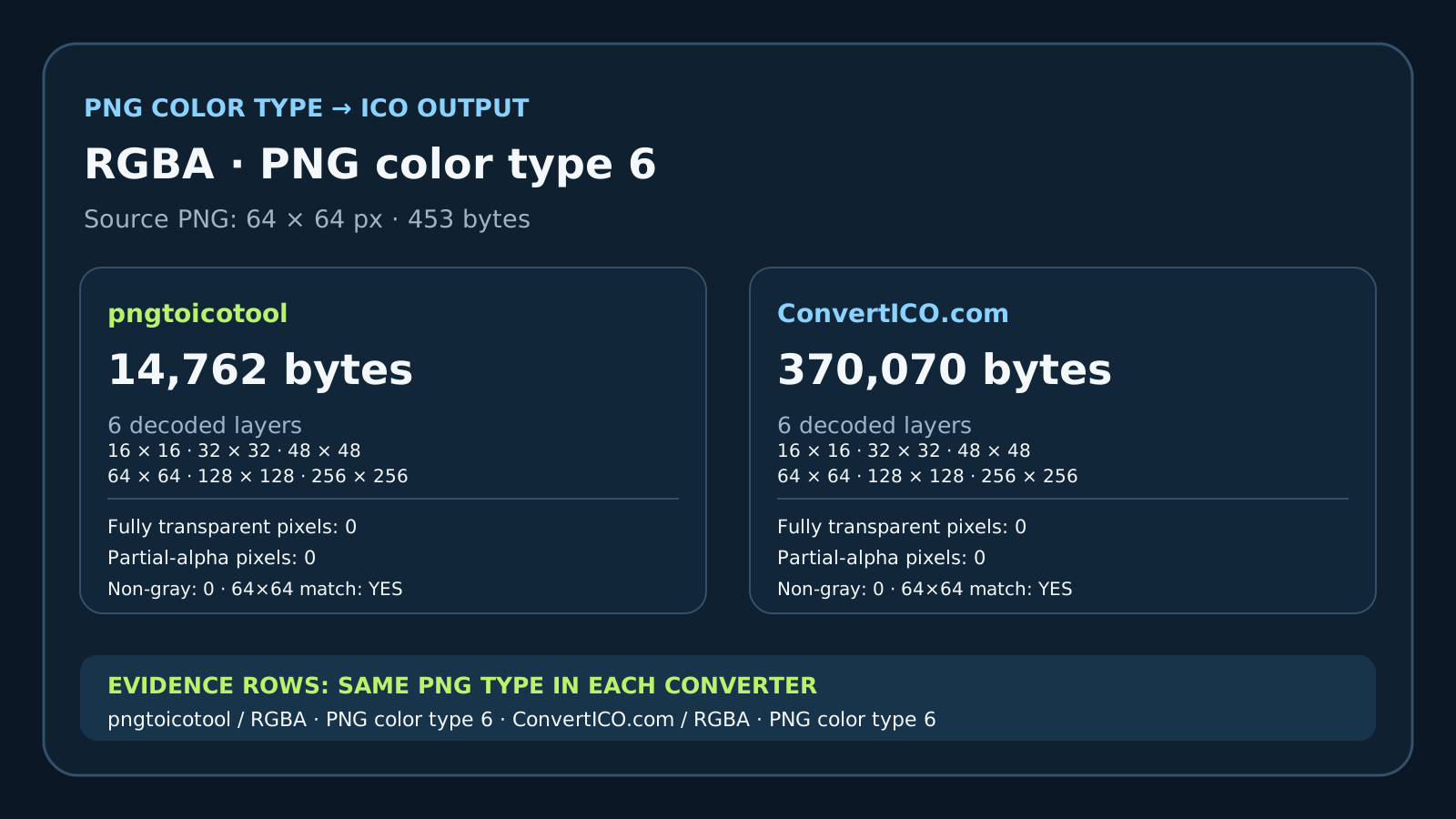
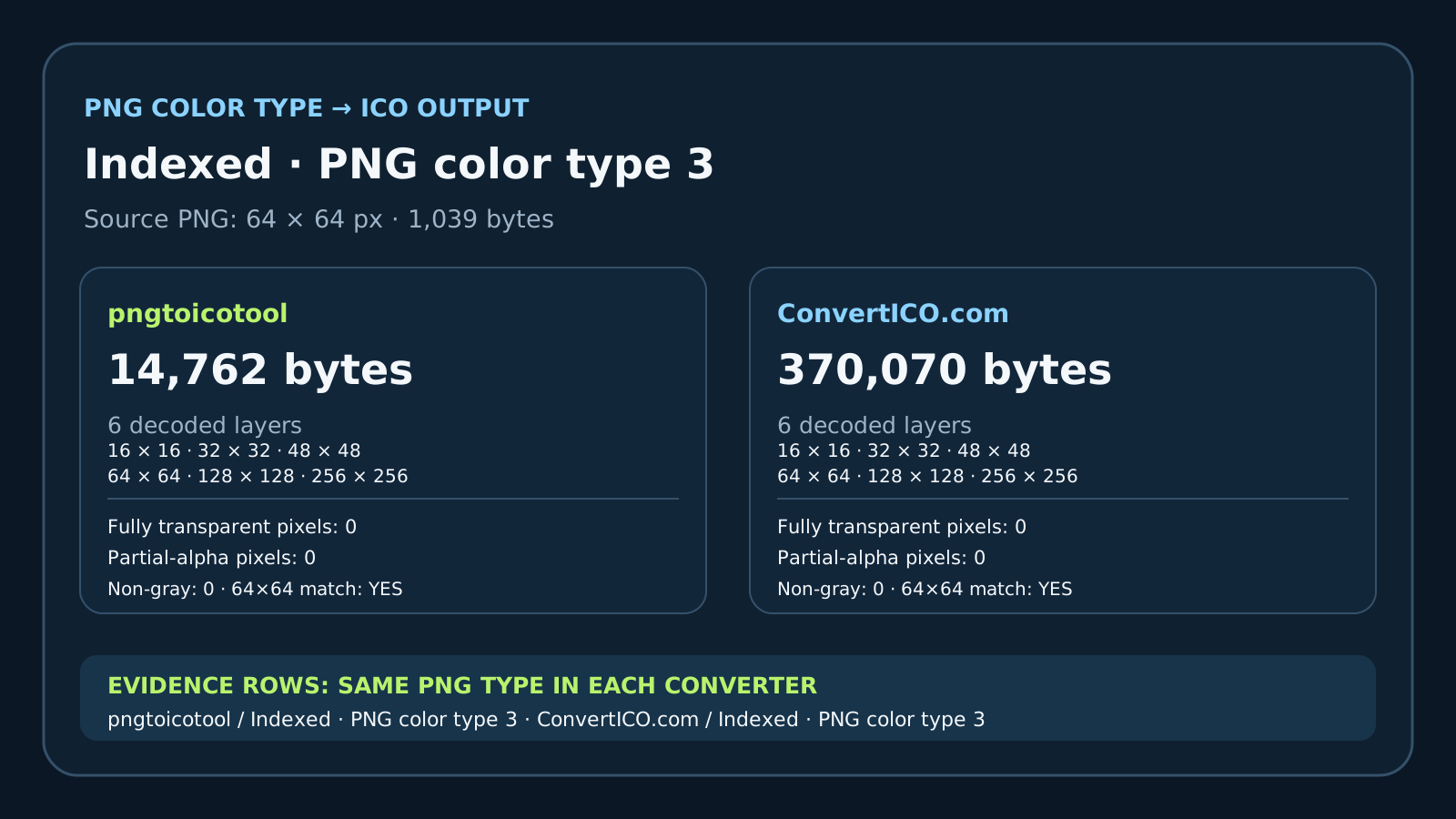
All eight downloaded ICOs contained 16×16, 32×32, 48×48, 64×64, 128×128, and 256×256 layers. For each converter, the four files had the same SHA-256 hash across the four source encodings. That establishes byte identity for these outputs and this run; it does not establish how other inputs or converter versions behave.
The decoded 64×64 layer matched the 64×64 source pixel for pixel in all eight outputs. Across every decoded layer, this opaque artwork produced zero fully transparent pixels, zero partial-alpha pixels, and zero pixels with unequal RGB channels. The color check therefore found no hue shift in these grayscale outputs.
What the file sizes do—and do not—compare
The four pngtoicotool outputs were 14,762 bytes each. The four ConvertICO.com outputs were 370,070 bytes each. Those totals differ between converters, but they did not differ when only the PNG source color type changed within either converter. This test does not isolate why the two converters' output sizes differ.
Because the input had no transparent pixels, this matrix cannot answer whether RGB, RGBA, indexed transparency, or other alpha-bearing inputs retain transparency. It also covers one grayscale drawing, one configuration per site, and one conversion per input type.
Downloaded ICO results, decoded locally
Each source PNG was 64×64 and pixel-identical after decoding. Alpha counts are summed across all six decoded layers. `64×64 exact match` compares the same-size ICO layer against the decoded source.
| Converter | PNG source type | Input bytes | ICO bytes | ICO layers (pixels) | Alpha=0 pixels, all layers | Partial-alpha pixels, all layers | 64×64 exact pixel match |
|---|---|---|---|---|---|---|---|
| pngtoicotool | RGB (2) | 439 | 14,762 | 16; 32; 48; 64; 128; 256 | 0 | 0 | Yes |
| pngtoicotool | RGBA (6) | 453 | 14,762 | 16; 32; 48; 64; 128; 256 | 0 | 0 | Yes |
| pngtoicotool | Indexed (3) | 1,039 | 14,762 | 16; 32; 48; 64; 128; 256 | 0 | 0 | Yes |
| pngtoicotool | Grayscale (0) | 316 | 14,762 | 16; 32; 48; 64; 128; 256 | 0 | 0 | Yes |
| ConvertICO.com | RGB (2) | 439 | 370,070 | 16; 32; 48; 64; 128; 256 | 0 | 0 | Yes |
| ConvertICO.com | RGBA (6) | 453 | 370,070 | 16; 32; 48; 64; 128; 256 | 0 | 0 | Yes |
| ConvertICO.com | Indexed (3) | 1,039 | 370,070 | 16; 32; 48; 64; 128; 256 | 0 | 0 | Yes |
| ConvertICO.com | Grayscale (0) | 316 | 370,070 | 16; 32; 48; 64; 128; 256 | 0 | 0 | Yes |
All eight ICOs were downloaded and decoded locally with Pillow 12.3.0. The CSVs preserve the per-run hashes and per-layer measurements.
How this PNG to ICO comparison was run
- 01Save one decoded image in four PNG types
Use the included RGB, RGBA, indexed, and grayscale files. The fixture script verifies that all four decode to the same 64×64 opaque pixels.
- 02Convert each file with the same settings
Run each PNG once in each converter and save the downloaded ICO under its matching input name. Do not compare webpage size labels in place of downloaded bytes.
- 03Decode every ICO layer
Record the layer dimensions and ICO byte length, count fully transparent and partial-alpha pixels, and compare the 64×64 layer against the source pixels.
FAQ
PNG color type and ICO output
Did RGBA add transparency in this test?
No. The RGBA source was deliberately saved with all alpha values at 255 so the four color-type files decoded to the same opaque pixels. Transparent PNG preservation was not tested.
Were the two converters' ICO files the same size?
No. Each pngtoicotool file was 14,762 bytes, and each ConvertICO.com file was 370,070 bytes. Within each converter, the four output files were byte-identical across the four tested PNG color types.
Does this prove all PNG color types always convert identically?
No. It records one opaque grayscale image, four PNG color types, two converters, and one run per input. Other artwork, transparency, settings, and converter versions were not tested.