Webflow favicon · file check
Webflow Favicon Upload: Preview vs Published Files
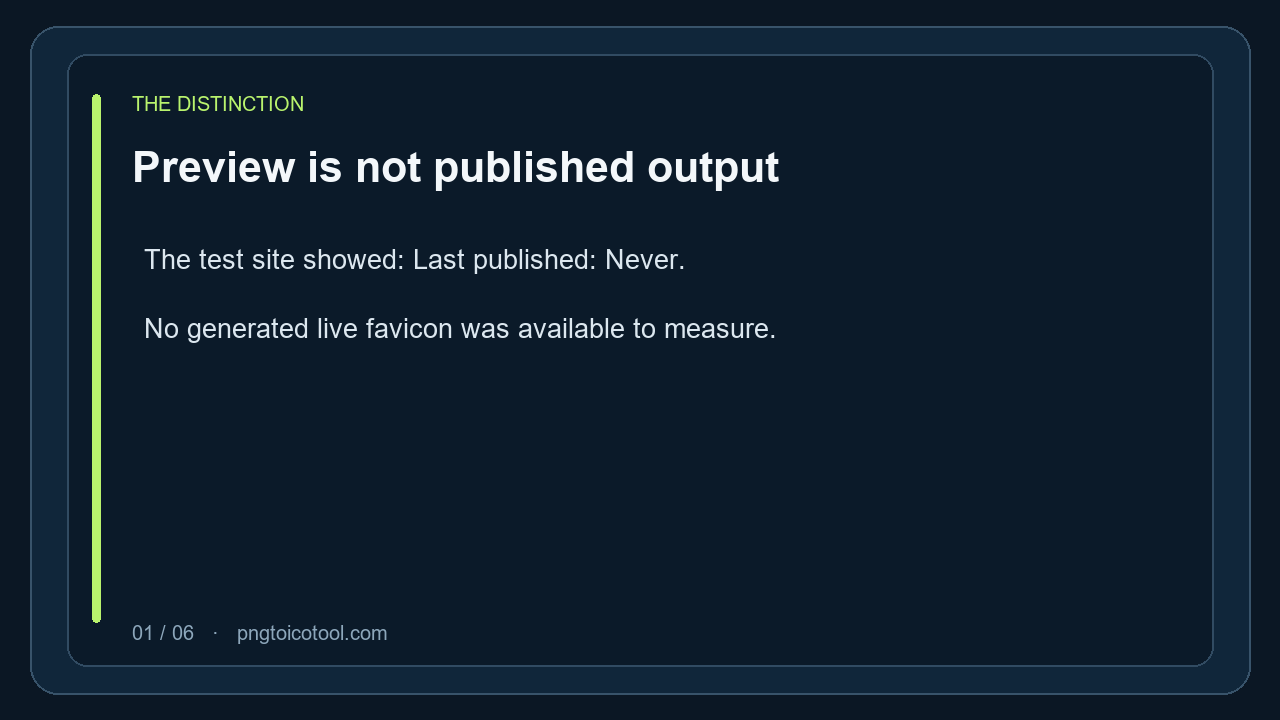
A favicon preview is not proof of what a published Webflow site serves; the Shopify favicon guide also separates the editor from the live storefront. In this account check, the light preview resource was a 32 × 32 PNG of 963 bytes; the test site itself showed “Last published: Never.”
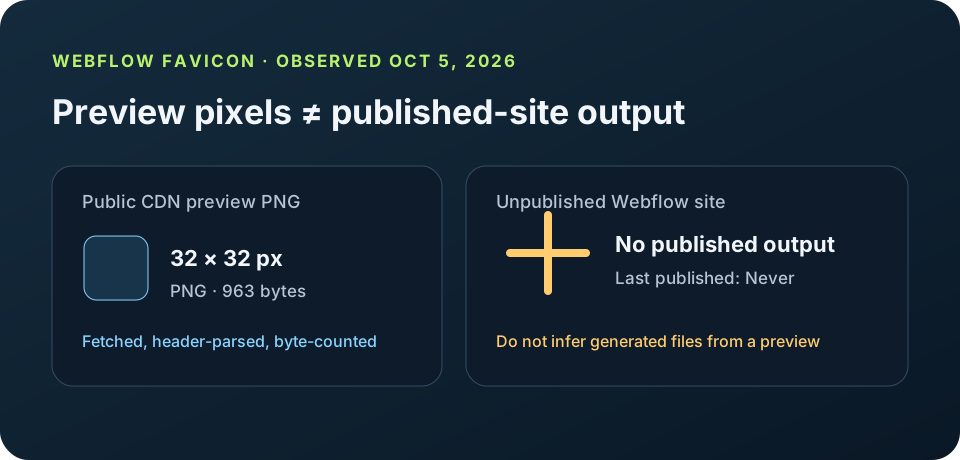
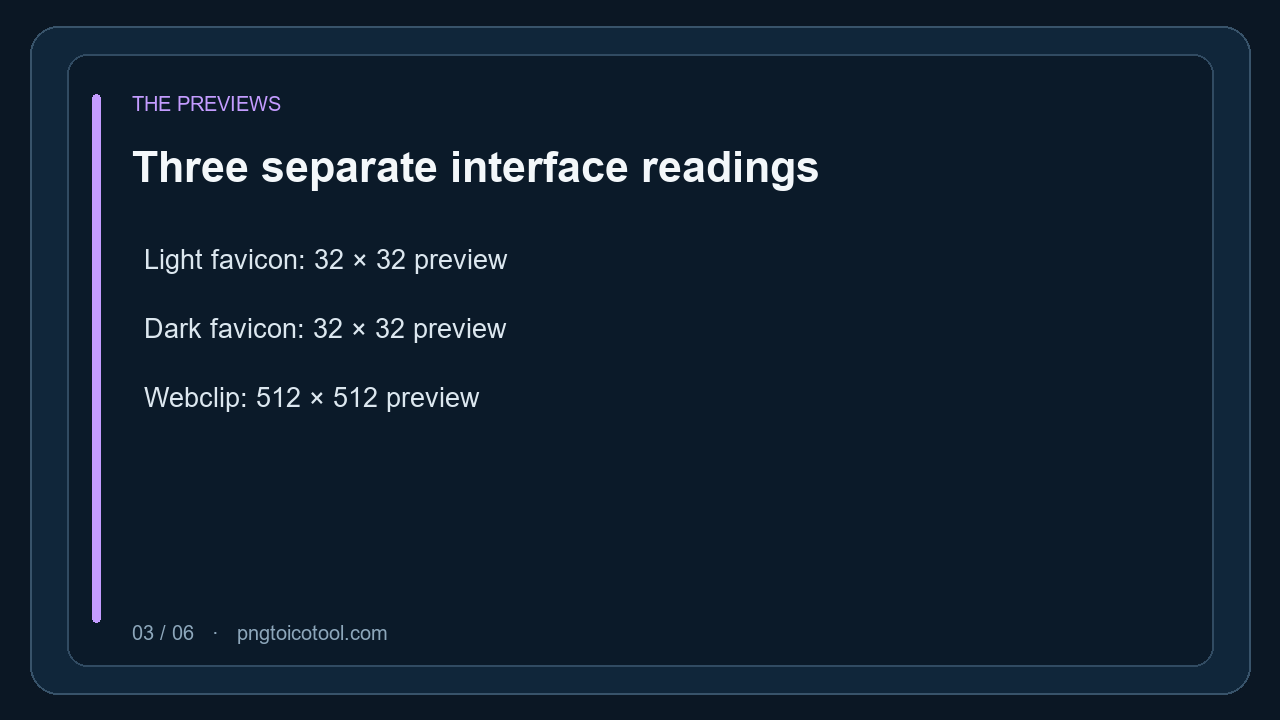
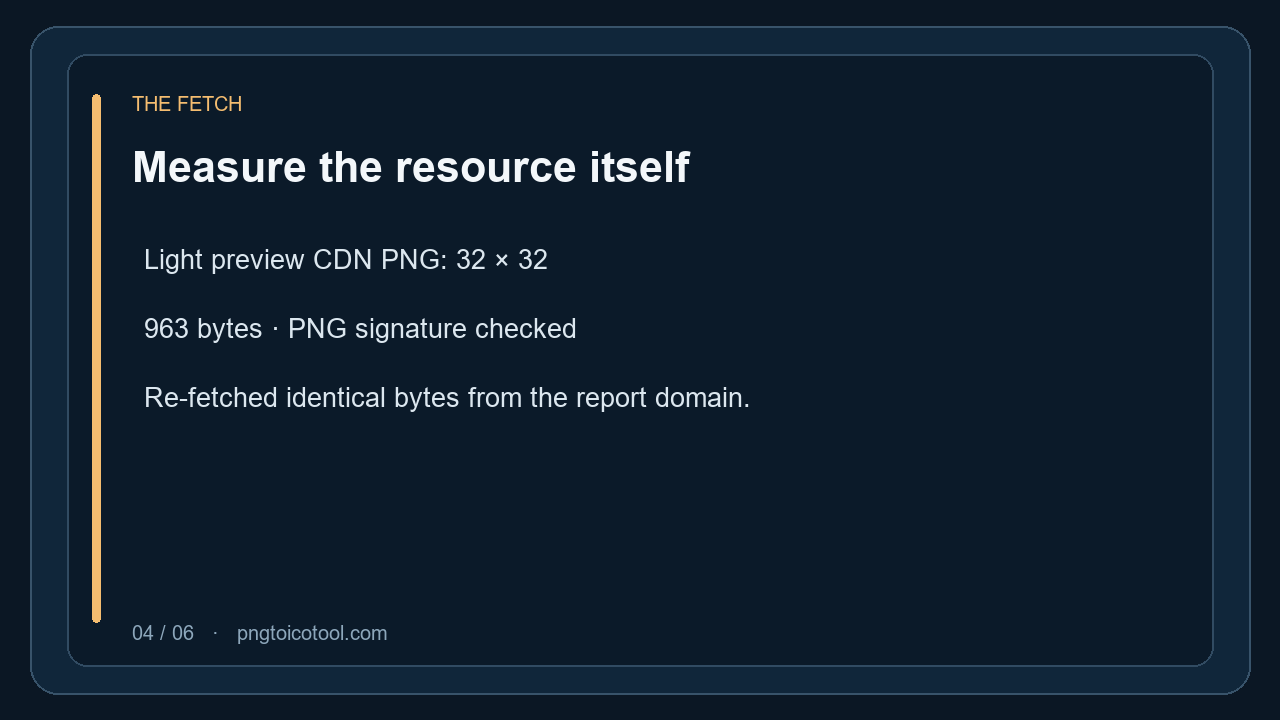
On October 4, 2026, the observed Webflow settings UI showed a 32 × 32 light-favicon preview and a 512 × 512 Webclip preview after a 512 × 512 PNG upload. The light preview's public CDN file measured 32 × 32 pixels, PNG signature, and 963 bytes when fetched. Because the Webflow test site was never published, these readings do not establish the dimensions, format, or byte length of its generated live outputs.
This report keeps account-interface previews, a fetched preview resource, official documentation, and published-site files as separate evidence types. No live output is inferred from the preview.
What this upload run actually produced
The test used a new Webflow Starter site named “Favicon Measurement Draft.” In Site settings → General → Icons, I uploaded a local square PNG, selected Favicon — light, Favicon — dark, and Webclip, then applied the change. The interface said the icon was saved and that the site needed publishing for changes to apply. Its overview showed “Last published: Never.”
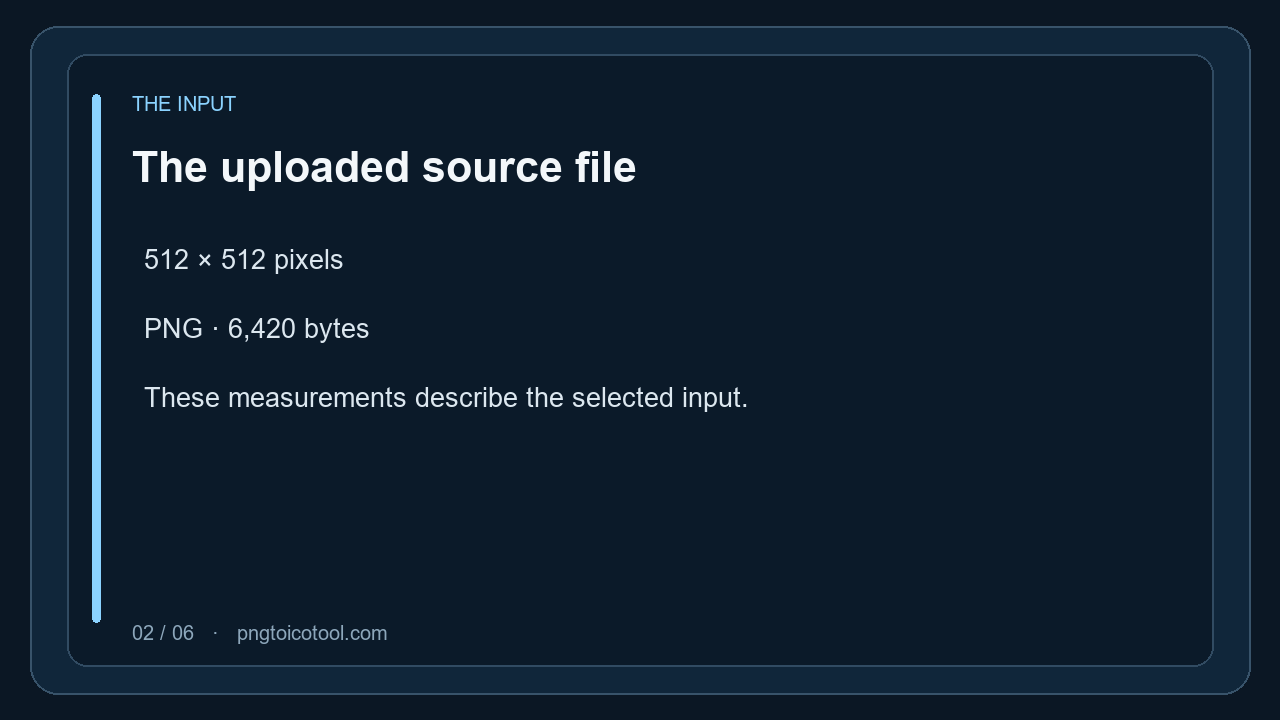
The uploaded source file was 512 × 512 pixels, PNG, and 6,420 bytes. Those measurements describe the input. In the settings preview, the light and dark favicon images each appeared at 32 × 32; the Webclip image appeared at 512 × 512. Those are preview dimensions, not published files.
I separately fetched the light preview's public CDN PNG. Its response body was 963 bytes, its PNG signature was `89 50 4E 47 0D 0A 1A 0A`, and its IHDR dimensions were 32 × 32. I then served the exact same bytes from the report owner's domain and verified the digest again. This gives a reproducible measurement of that preview asset; it still does not turn it into a published Webflow output.
As a separate domain check, the live pngtoicotool page declares `pngtoicotool-alt-icon.png` as its site icon. Fetching that exact owner-domain URL returned a 256 × 256 PNG of 1,907 bytes. This is the report site's existing icon, not a generated file from the unpublished Webflow test site.
Keep the interface reading separate from the documentation
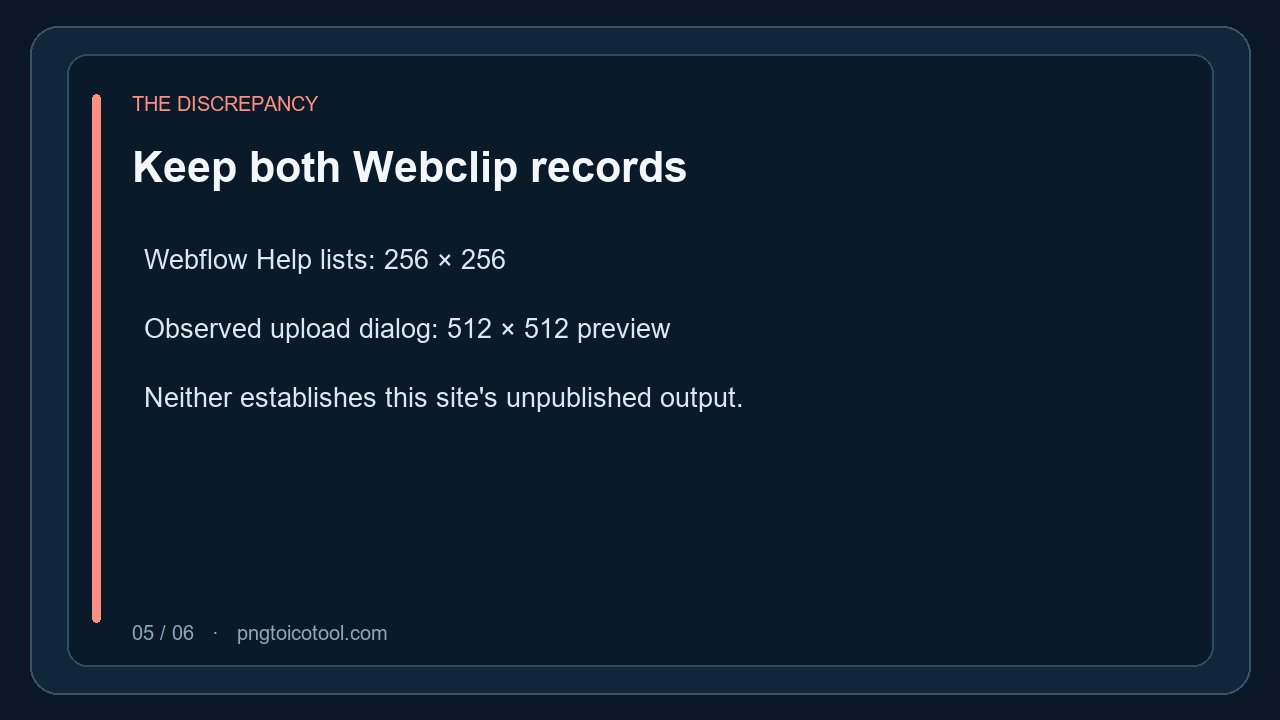
Webflow's Help Center lists a 32 × 32 light favicon, a 48 × 48 Google Search icon, a 32 × 32 dark favicon, a 256 × 256 webclip, and separate touch-icon guidance. The upload dialog observed in this run grouped Webclip with 180 × 180, 192 × 192, and 512 × 512. The two records disagree about Webclip sizing, so both are retained with their dates and sources rather than blended into one supposed output spec.
Webflow's May 5, 2026 update describes automatic resizing and dark-mode support and lists accepted upload formats. The date identifies that announcement, not the version of the settings interface. On October 4, the tested account UI displayed a Starter workspace and the recorded navigation path, but no software version or build identifier. The version field is therefore “not shown,” not a date guessed as a version.
How to verify a real published favicon file
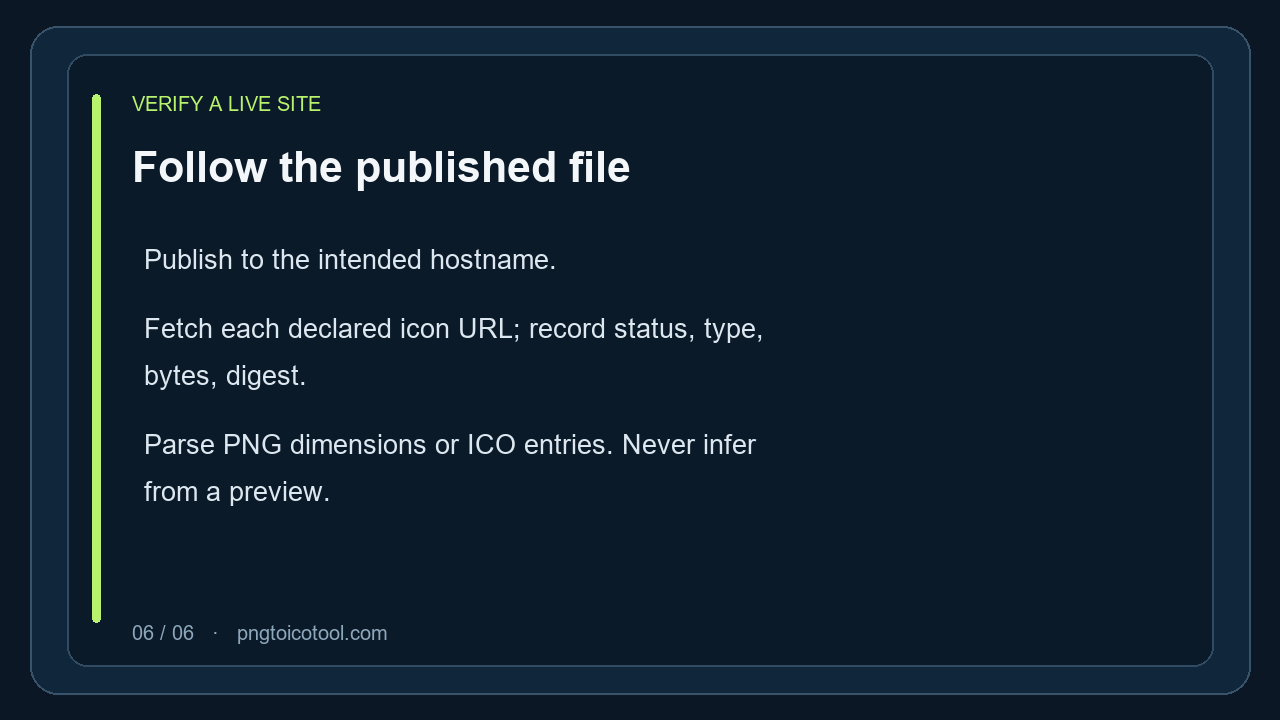
Publish the site to its intended hostname first. Inspect the page's icon links and resolve each `href` to the final URL. Fetch each URL directly, keep the unmodified response body, and record the HTTP status, content type, byte count, and a cryptographic digest. Then parse the file itself: a `.png` suffix alone does not establish PNG data, and a response that contains HTML is not an icon even if its path ends in `.ico`.
For PNG, read the IHDR width and height and confirm the eight-byte PNG signature. For ICO, inspect the directory entries rather than treating the filename as proof of its frames. Repeat this for each distinct light, dark, webclip, or touch-icon URL that the published HTML actually declares. Record absent outputs as absent; do not fill them from the settings preview or a documentation table.
The attached checklist is downloadable as CSV. It marks every row with either its measured value or the concrete reason a live output could not be measured. The public article screenshot documents this report's first screen; it is not evidence that the separate Webflow test site was published.
For fixing a Webflow favicon that is not showing, see the [fixing a Webflow favicon that is not showing](favicon-not-showing).
Evidence and scope
The measurements below refer to distinct objects. The source upload, settings preview, fetched preview PNG, official documentation, and unpublished site's generated output are not interchangeable.
| Object | Measured or observed value | What the value establishes |
|---|---|---|
| Uploaded source | 512 × 512 px · PNG · 6,420 bytes | The local file selected for upload. |
| Light/dark settings previews | 32 × 32 px each | Dimensions displayed in the Webflow account UI on 2026-10-04. |
| Light preview CDN PNG | 32 × 32 px · PNG · 963 bytes | Fetched resource body parsed and counted; SHA-256 CB5A0571E18C4CC30B92879C5458825F54B9FA5B40A1327BA19AA9E48CE2EC43. |
| Current pngtoicotool page icon | 256 × 256 px · PNG · 1,907 bytes | Downloaded from the URL declared in the public page head; SHA-256 A168F4AE0F82BBEB15275C359CAFB69A1931B64438C7E1BC75B2D06D9C79856F. This is the report site's icon, not Webflow-generated output. |
| Webclip settings preview | 512 × 512 px | Preview reading only; it does not resolve the 256 × 256 documentation discrepancy. |
| Published Webflow output | Unavailable · Last published: Never | No generated file from the test site was available for a live measurement. |
| Webflow interface version | Not shown | The inspected screens contained no version or build identifier. |
Measurements were made from the named input or fetched response, not inferred from the upload interface. The test-site publish state was read from its Webflow overview on 2026-10-04.
FAQ
Webflow favicon questions
Does a 32 × 32 Webflow favicon preview prove the published file is 32 × 32?
No. The settings preview displayed at 32 × 32, and its fetched CDN PNG also measured 32 × 32. The test site showed “Last published: Never,” so no live generated file was measured.
What is the exact Webflow interface version in this test?
No version or build identifier was visible in the inspected UI. The account displayed a Starter workspace and the observed settings path; neither identifies a software version.
Can I download the favicon inspection checklist?
Yes. Download the CSV from the Evidence and scope section. Each row states the measurement or why no published output was available.